C8000 Battery Testing System User Manual
3 Cadex BatteryLab 93
Enter your password and click OK.
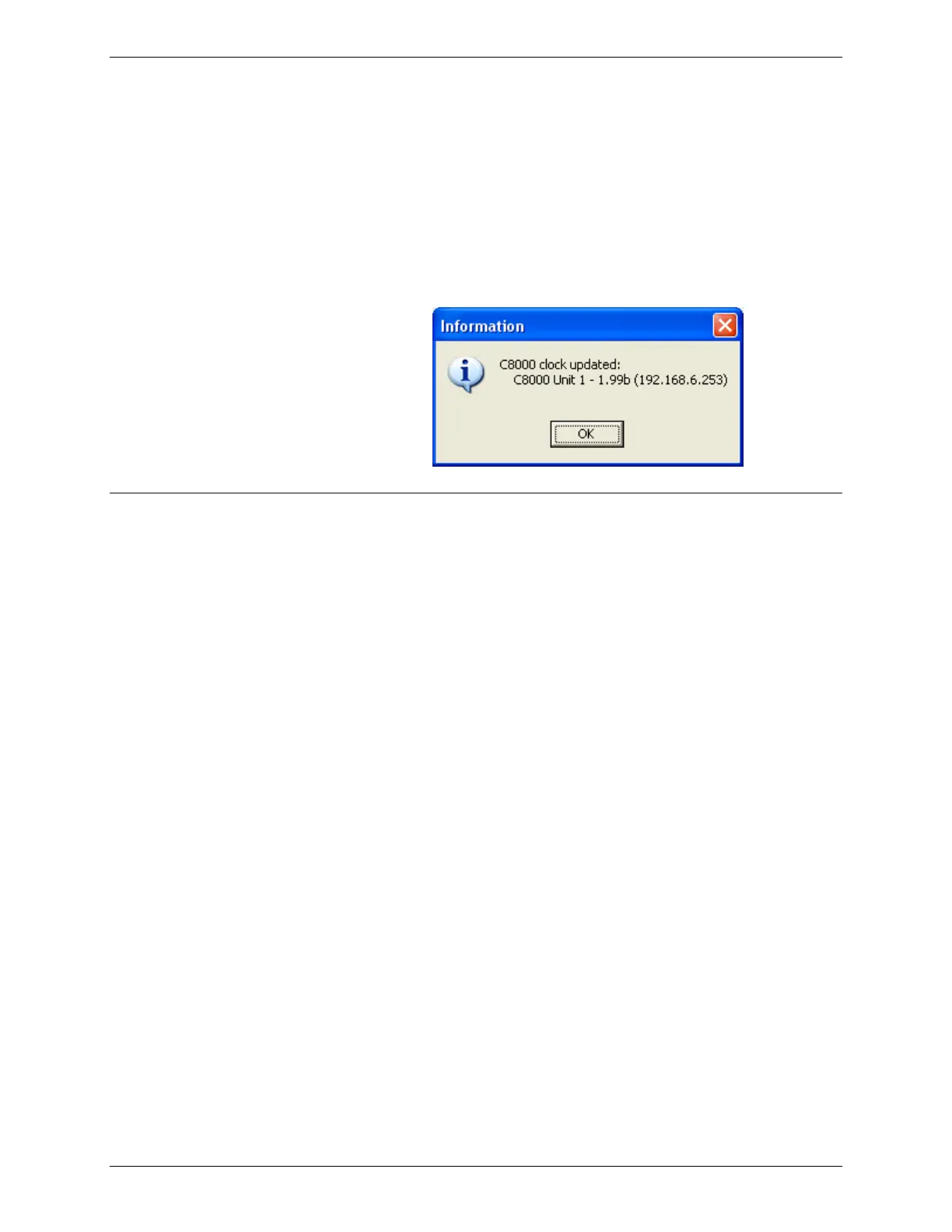
An information window appears indicating a list of the C8000 that
the clock was updated. Note: Do not update the C8000 clocks if
there are any batteries connected.
3.1.13 Set Security Setting on the C8000
Security setting in BatteryLab is either enabled or disabled. To
enable or disable security setting, select Security Setting from the
Database menu. Next, select the Enable or Disable option. The
Password window appears. Enter a four-digit number, re-type the
four-digit number, and then click OK. Security setting is updated.
Select the Enable option to enable system security in BatteryLab
and on all connected analyzers. Connected analyzer windows will
display a padlock indicating security is enabled on the analyzer.
Note: If system security is enabled, attempts to import battery IDs,
c-codes, programs, and waveforms from connected analyzers to
overwrite existing BatteryLab files are denied. Attempts to start
tests on secure connected analyzers with new custom programs, c-
codes, and battery IDs require a valid password. Attempts to
change Report Templates and BatteryLab Configuration are
denied. Attempts to start tests with programs, c-codes, and
battery IDs already on the secure connected analyzer are allowed.
Attempts to export c-codes, programs, or waveforms from
BatteryLab to secured analyzers are denied.
Select the Disable option to disable system security in BatteryLab
and on all connected analyzers.



 To Next Page