C8000 Battery Testing System User Manual
Battery Tester 61
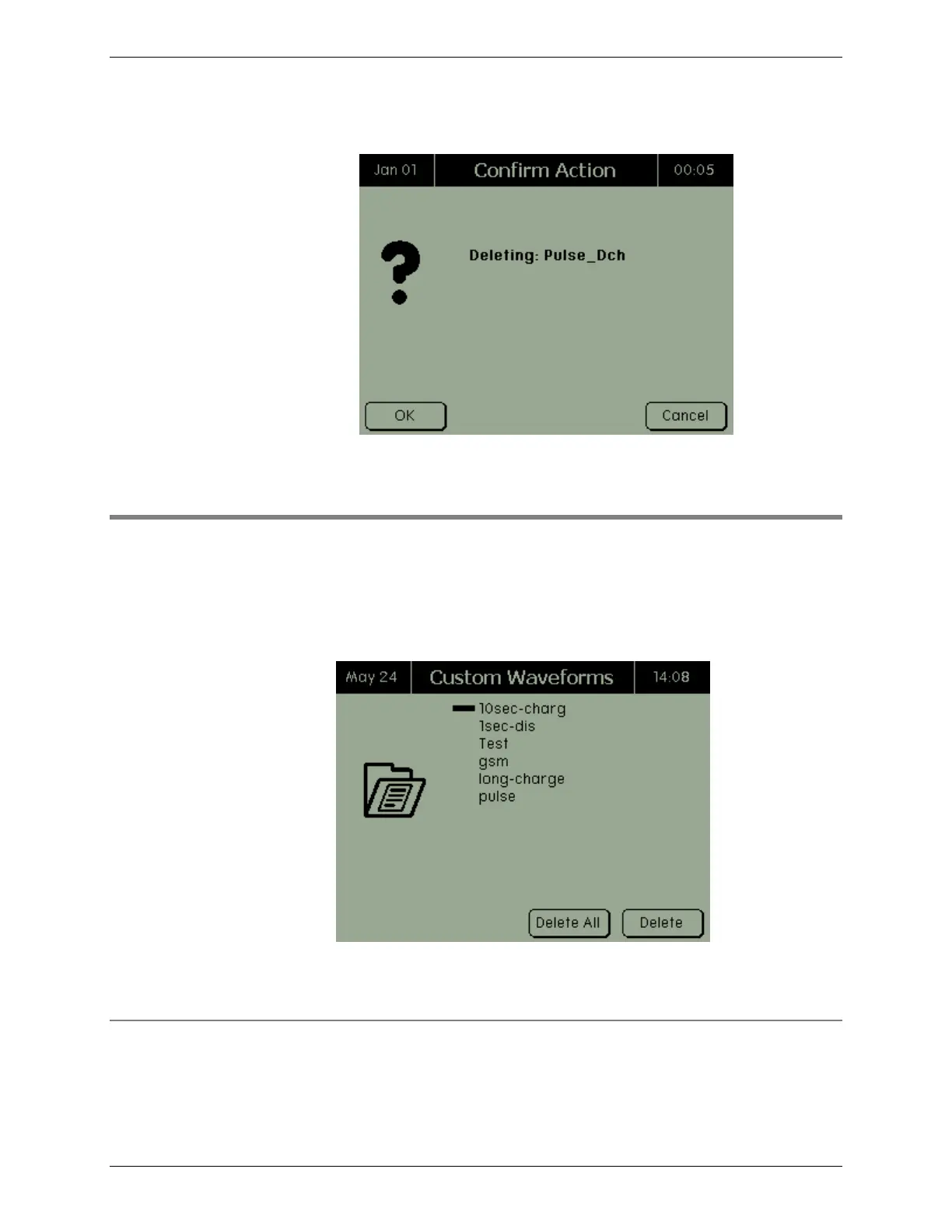
3. Press DELETE. The Confirm Action screen appears.
4. Press OK.
2.10 Waveforms
To view information about a waveform or delete one or more
waveforms:
From the Main screen, select Waveforms. The Custom
Waveforms screen appears.
The Custom Waveforms screen lists all custom waveforms stored
in the C8000.
2.10.1 View Information about a Waveform
To view information about a waveform:



 To Next Page