C8000 Battery Testing System User Manual
130 3 Cadex BatteryLab
2. Select the report template to delete.
3. Click Delete. A Confirmation window appears. Click
Yes. The report template is deleted.
4. Click OK.
3.7.2.5 Copy a Report Template
It is possible to create a report template based on an existing
template record. Making a copy of an existing template and then
editing the copy to create the new template do this.
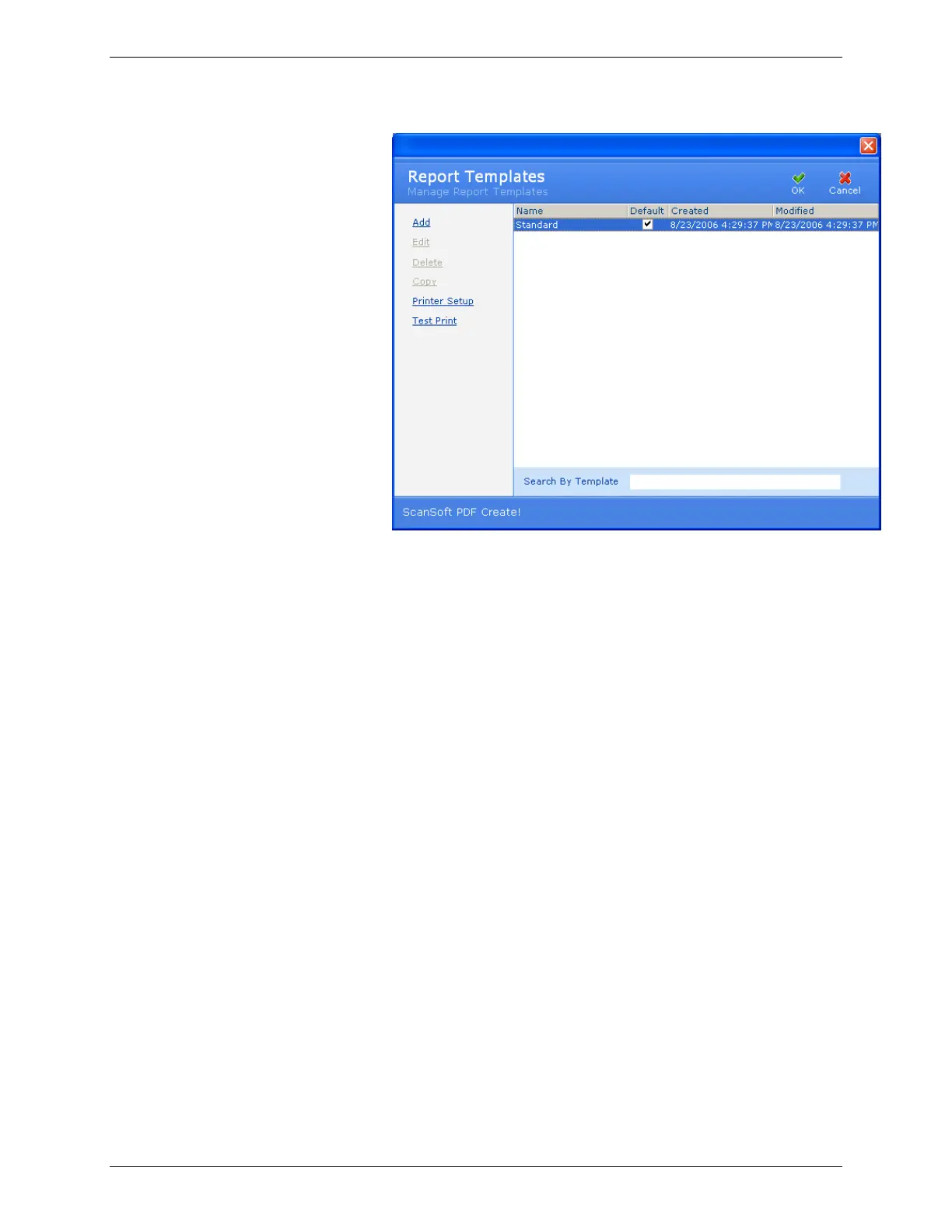
1. From the Tools menu, click Report Template. The Report
Templates window appears.



 To Next Page