C8000 Battery Testing System User Manual
48 2 Battery Tester
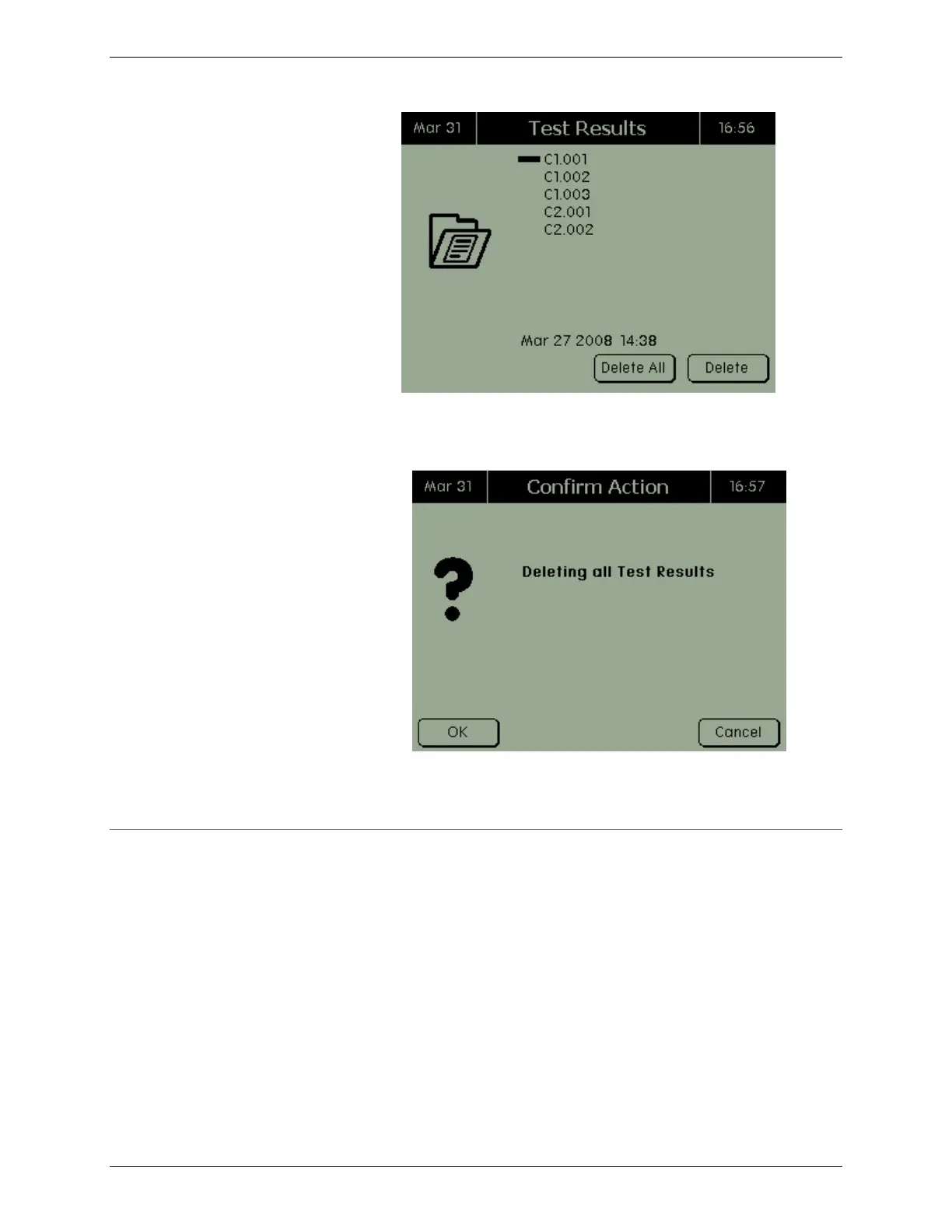
2. Press, "DELETE ALL." The Confirm Action screen appears.
3. Press OK to delete all test results.
2.7.3 Battery Profiles
To add, edit, and delete battery profiles in the C8000:
From the Main menu, select Batteries. The Battery Profiles screen
appears.



 To Next Page