C8000 Battery Testing System User Manual
152 3 Cadex BatteryLab
3.9.3 Edit a C-Code
To edit a c-code:
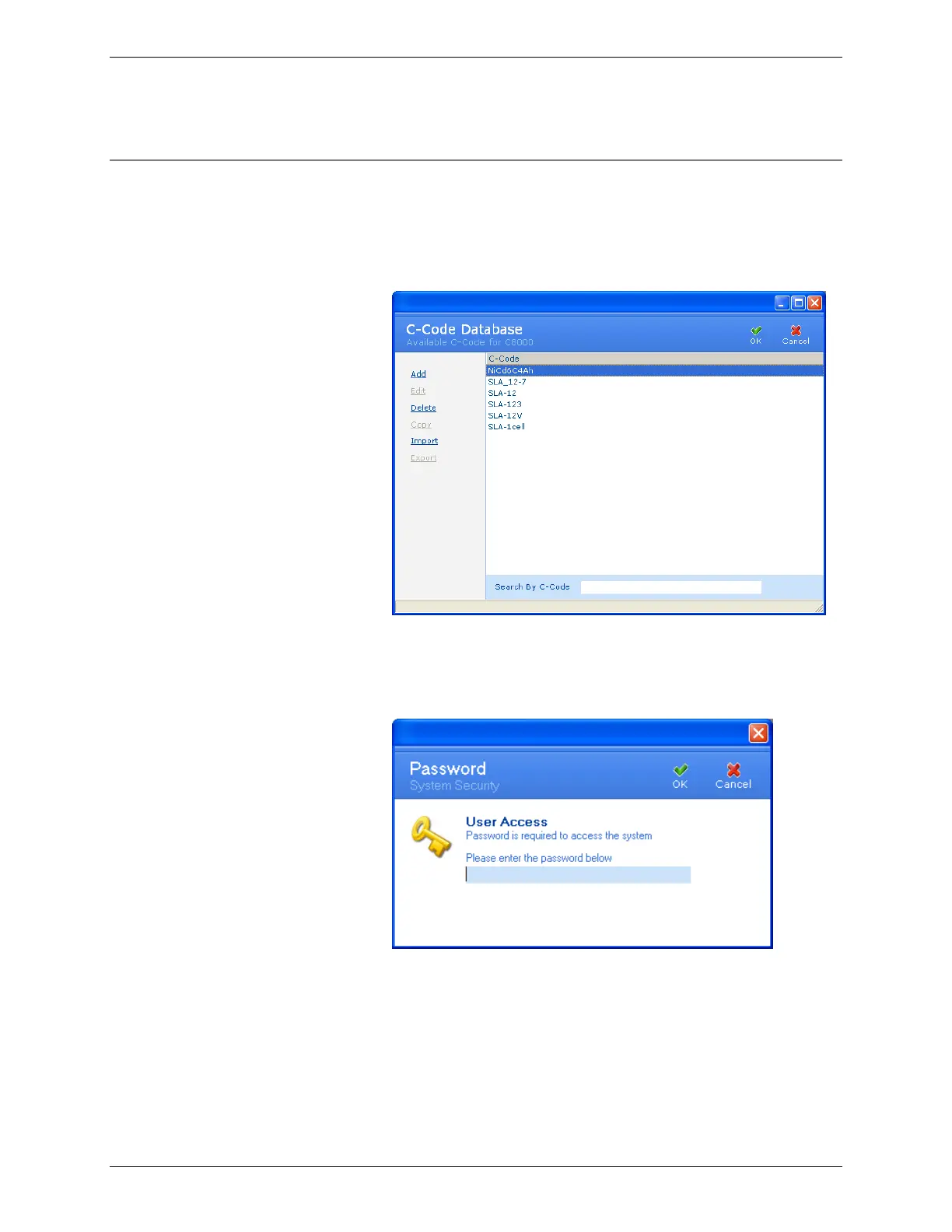
1. From the Database menu, click C-Code. The C-Code
Database window appears.
2. Select the c-code to edit.
3. Click Edit. If database security is enabled, the Password
window appears.
4. Enter your password and click OK. The C-Code
Definition window appears.



 To Next Page