C8000 Battery Testing System User Manual
Battery Tester 49
2.7.3.1 View and Edit a Battery Profile
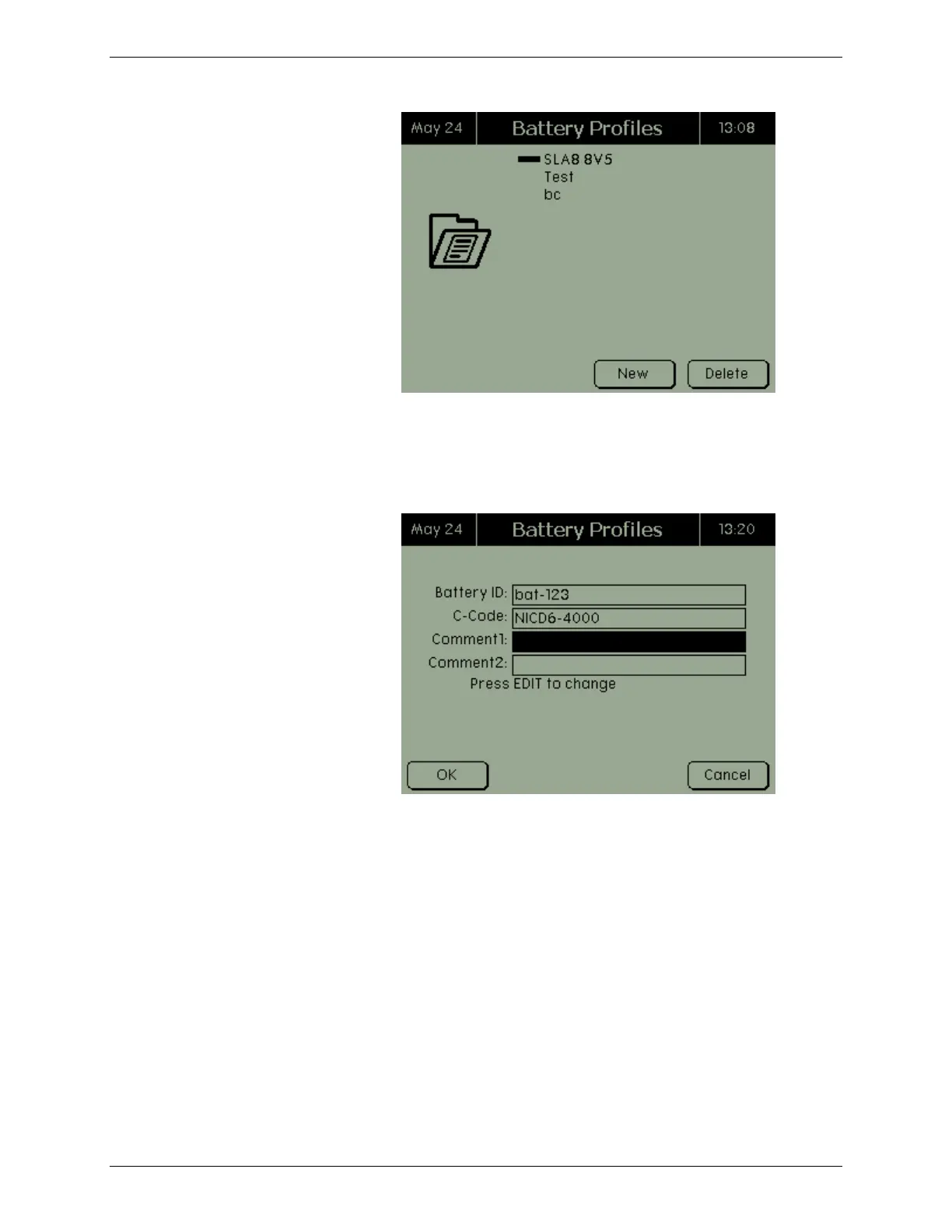
To view a battery profile, select the profile in the Battery Profiles
screen and press ENTER. The Battery Profiles screen appears.
Edit the information for the battery profile, as required, and press
OK to save the changes.
When adding or editing a battery profile, select the c-code by
scrolling to the C-Code field. Press ENTER to view a list of
available c-codes in the C-Codes screen.



 To Next Page