C8000 Battery Testing System User Manual
42 2 Battery Tester
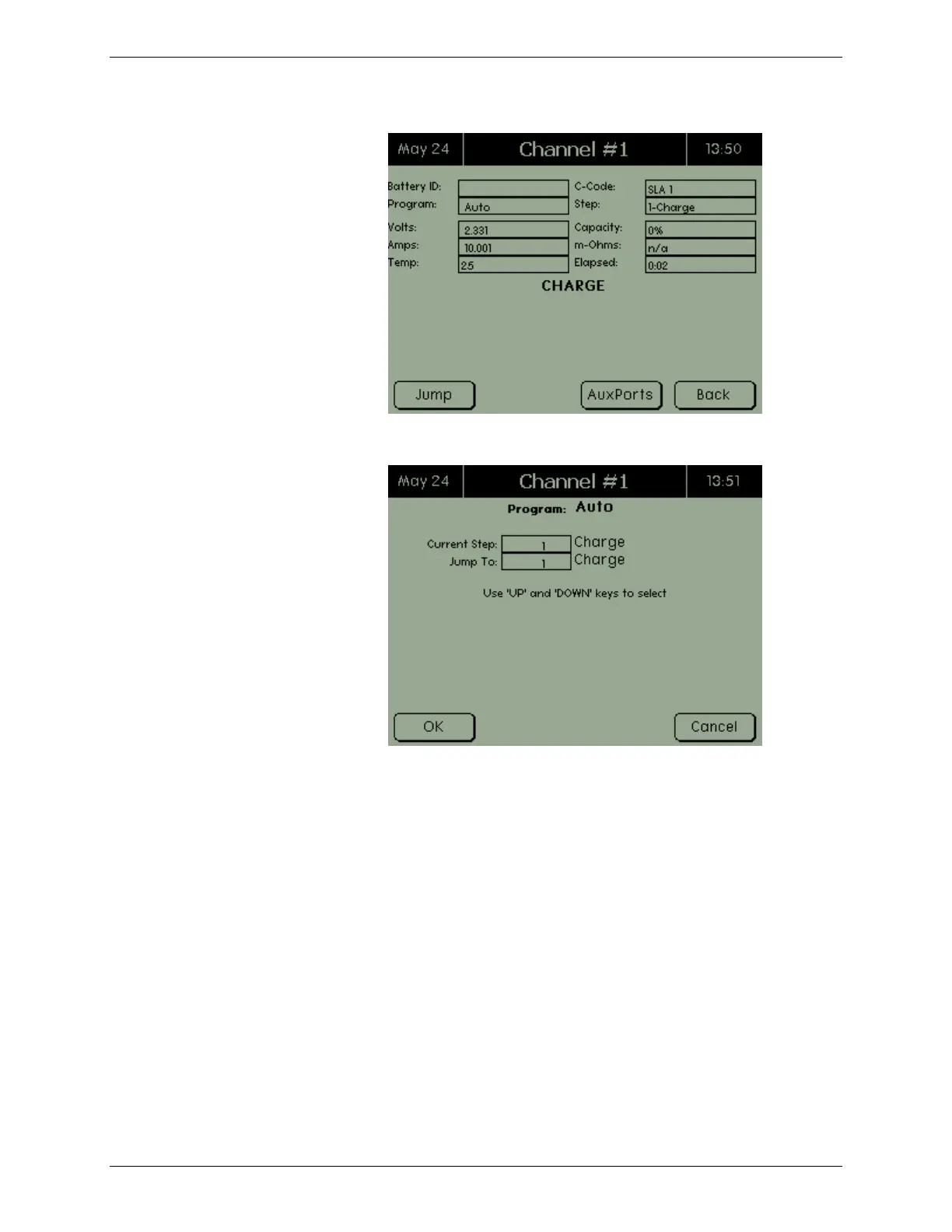
2. Press JUMP. The Jump screen appears.
3. The Current Step field shows the current step that the
program is in. Enter the step number to move to in the
Jump To field and press OK. The C8000 will resume
program operation at the selected step.
2.7.1.6 View SM-Bus Information
Before using any SM-Bus battery functions, ensure the SM-Bus
lines from the I/O port are connected to the battery. Note: The
temperature reading for SM-Bus batteries will still use the
Cadex thermistor that is attached to the Power Port Cable.
All SM-Bus c-codes, both factory and custom, will contain only
the actions to be executed, when the status/alarm bit is
received.
A factory SM-Bus c-code is available with the following
parameters. (Note: To change any of the status/alarm bit
actions, create a new SM-Bus code.)



 To Next Page