C8000 Battery Testing System User Manual
62 2 Battery Tester
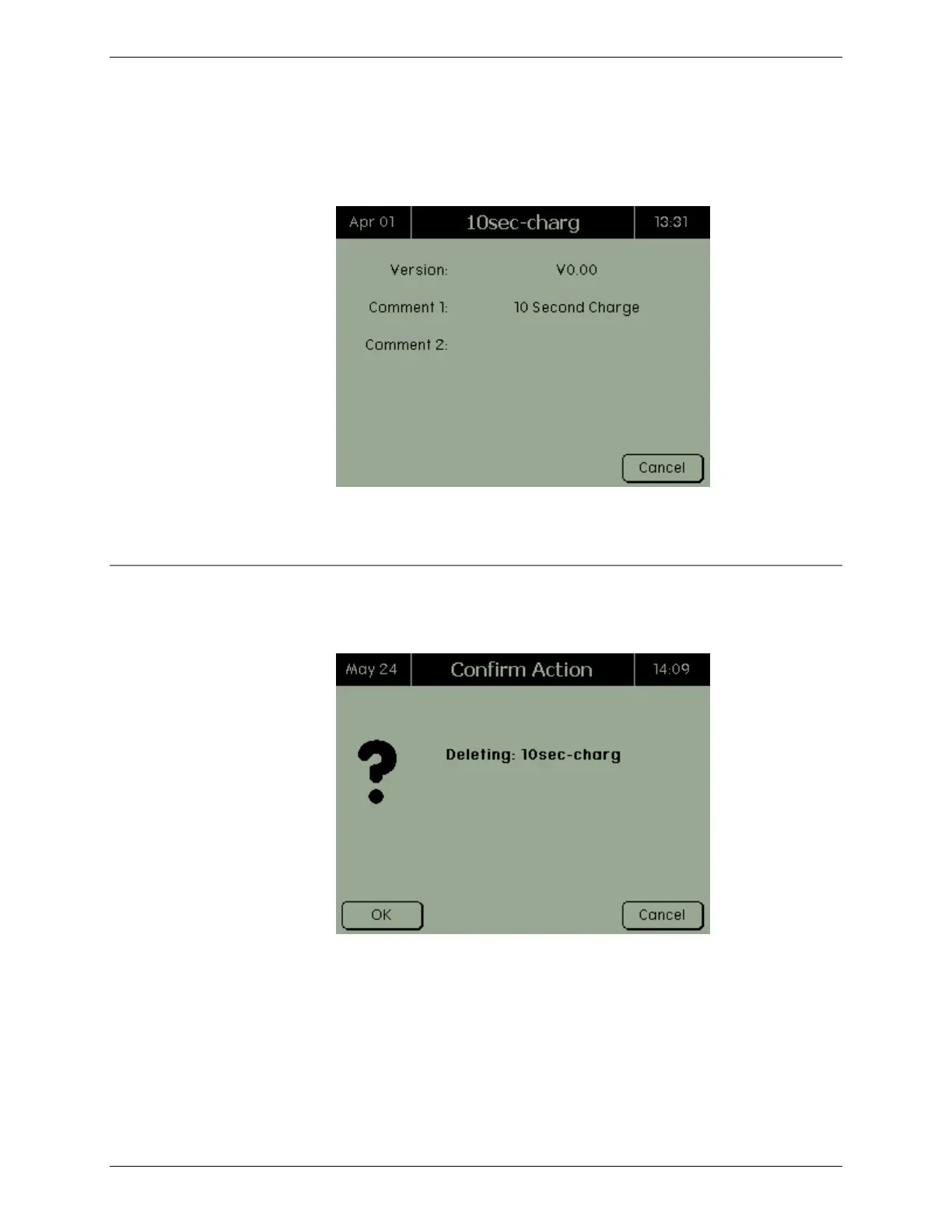
Select the waveform and press ENTER. The screen shows the
version, the waveform, and comments about the selected
waveform. Note: if a version number is not entered when the
waveform is created, V0.00 is displayed.
When finished viewing the waveform’s information, press
CANCEL to return to the Custom Waveforms screen.
2.10.2 Delete a Waveform
To delete a waveform, select the waveform to delete and press
DELETE. The Confirm Action screen appears.
Press OK to delete the waveform(s).



 To Next Page