C8000 Battery Testing System User Manual
3 Cadex BatteryLab 123
In the Test Record window, click Cycle Graph.
3.6.3.13 Print Results
To print a hardcopy of the test results:
In the Test Record window, click Print Results.
3.6.3.14 Print a Battery Test Graph
To print a hardcopy of the battery test graph:
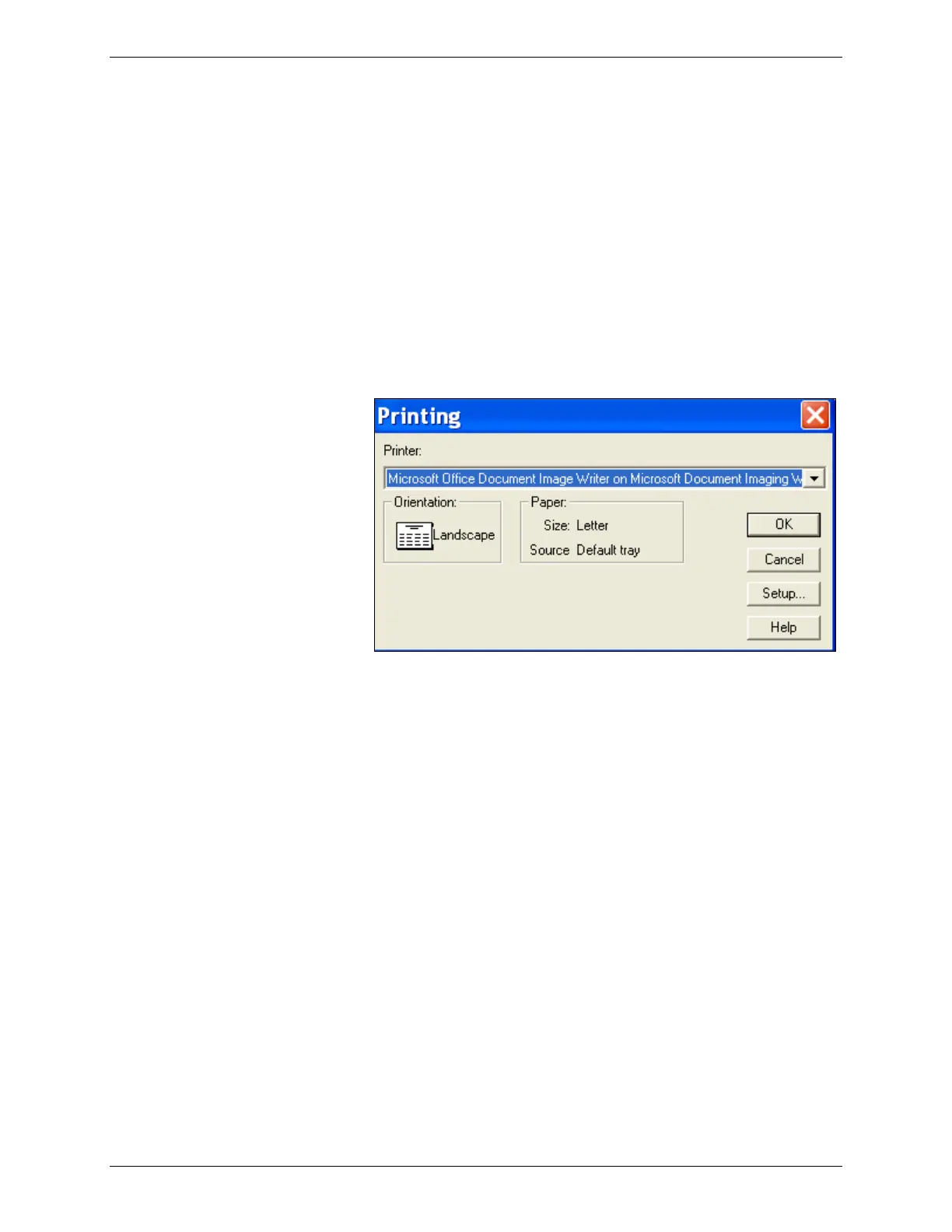
1. In the Test Record window, click Print Graph.
2. The Printing window appears.
3. Click OK to print the graph.
3.6.3.15 Export Test Record Results to a File
To export test record results:
1. In the Test Record window, click Export Results. The Save
As window appears.



 To Next Page