C8000 Battery Testing System User Manual
66 2 Battery Tester
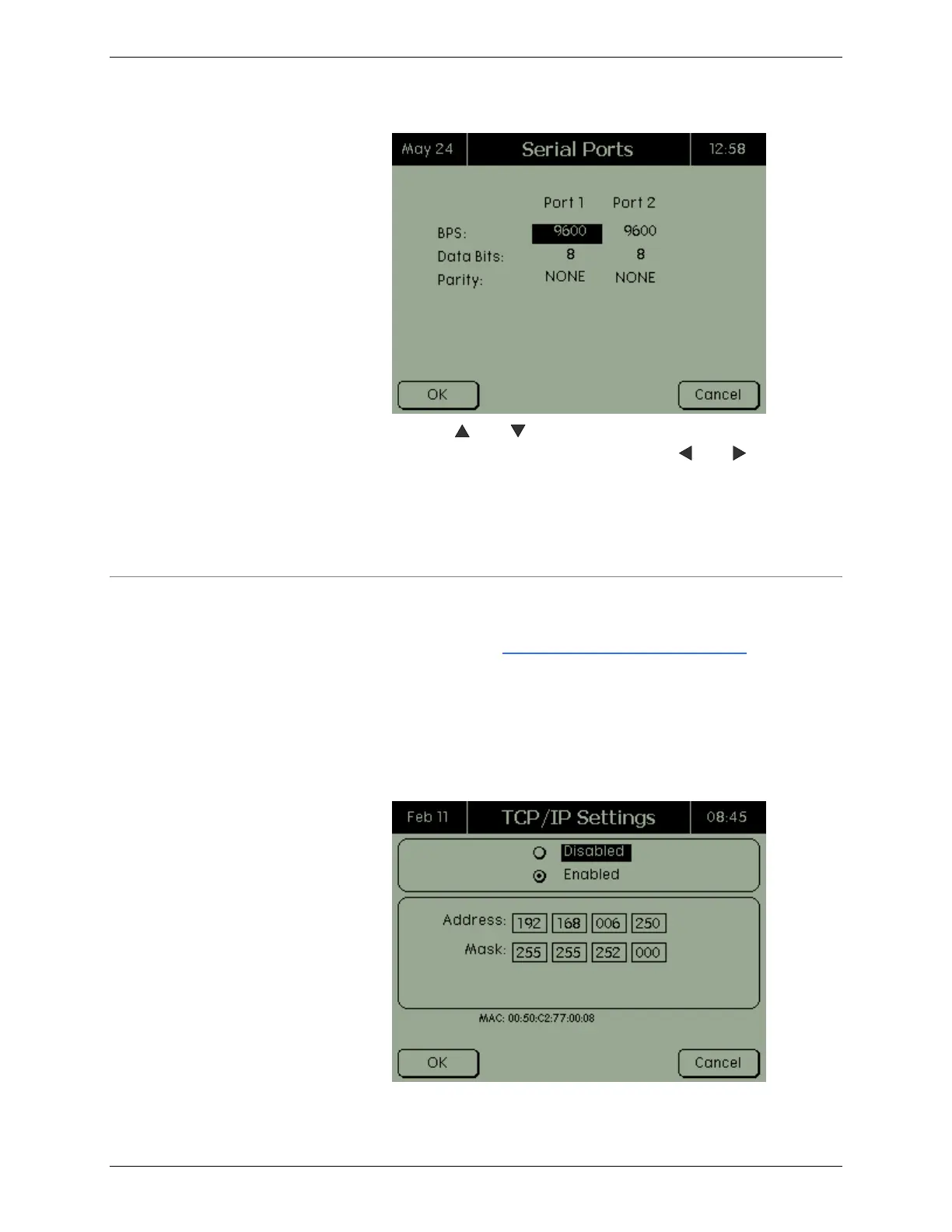
3. Use the and keys to select the bits per second, data
bits, and parity for each port. Use the and keys to
move to the previous or next field.
4. Press OK.
5. Restart the C8000 after modifications.
2.11.5 Specify the TCP/IP Address on the C8000
Note that the TCP/IP addresses must be static IP addresses. For
more information, see 3.1.10 Selecting a TCP/IP Address for the
C8000.
1. From the Main screen, select System and press ENTER.
The System Options screen appears.
2. Select TCP/IP Settings and press ENTER. The TCP/IP
Settings screen appears.



 To Next Page