C8000 Battery Testing System User Manual
Battery Tester 15
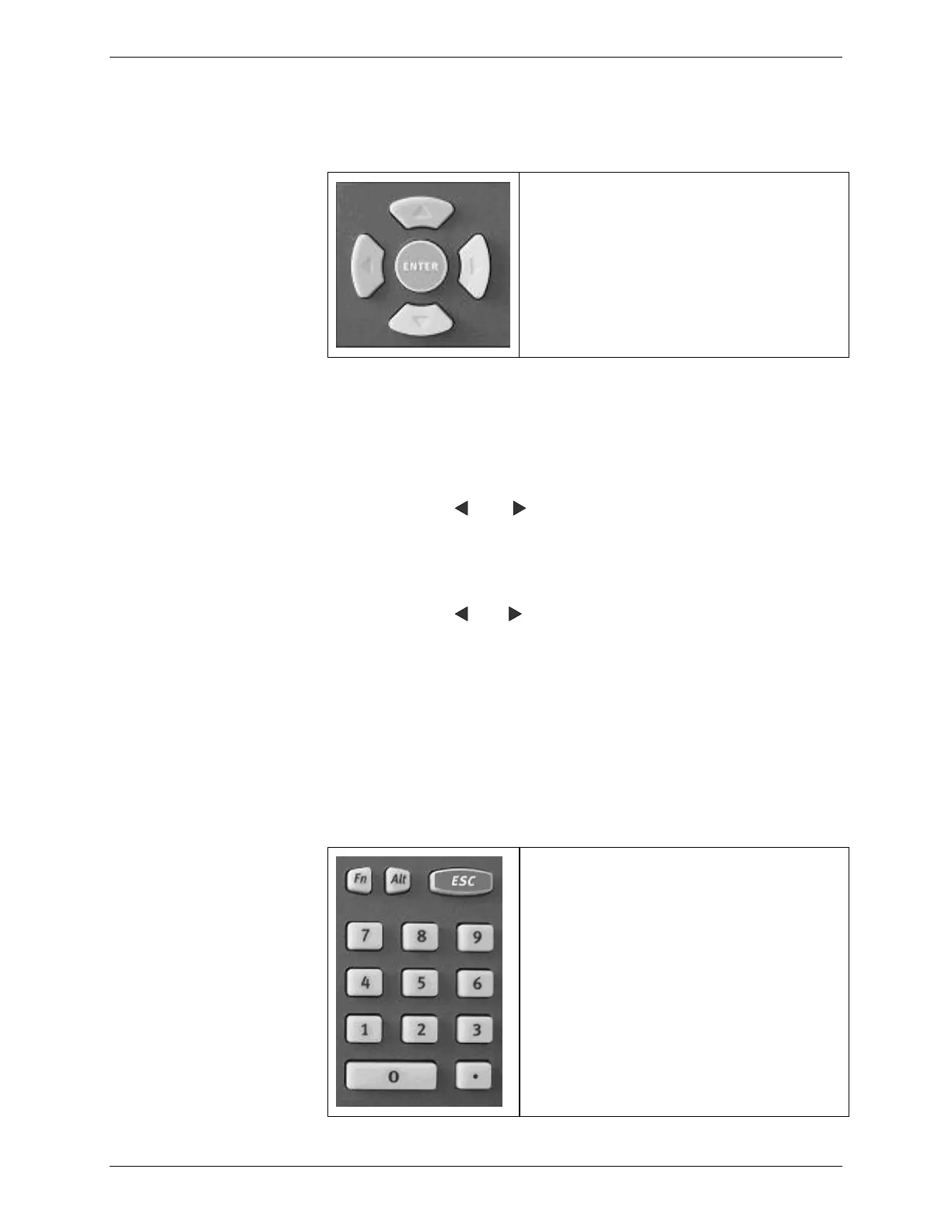
2.1.4.3 Arrow and ENTER Buttons
Use the arrow buttons to move from
field to field.
Use the ENTER button to accept the
information entered into the fields
Note: The Menu and Print buttons are not used. The Edit button
activates the onscreen keypad when an editable field is selected on
the C8000.
2.1.4.4 Navigating the LCD Display
Use the , and arrow keys to move from one field to
another.
Press the Edit key to activate the selected remark field for
edits.
Use the and keys to scroll through the alphabet.
Press
ENTER to select the letter
.
Use the numeric keypad to enter numbers in the selected
field.
Press ENTER to save the data you have entered in the field
and move to the next field.
Press OK to save the data you entered in the screen.
2.1.4.5 Numeric Keypad
Use the Numeric Keypad to enter
numbers in the selected field.
To exit from a field without saving
changes, press the ESC key.



 To Next Page