C8000 Battery Testing System User Manual
230 3 Cadex BatteryLab
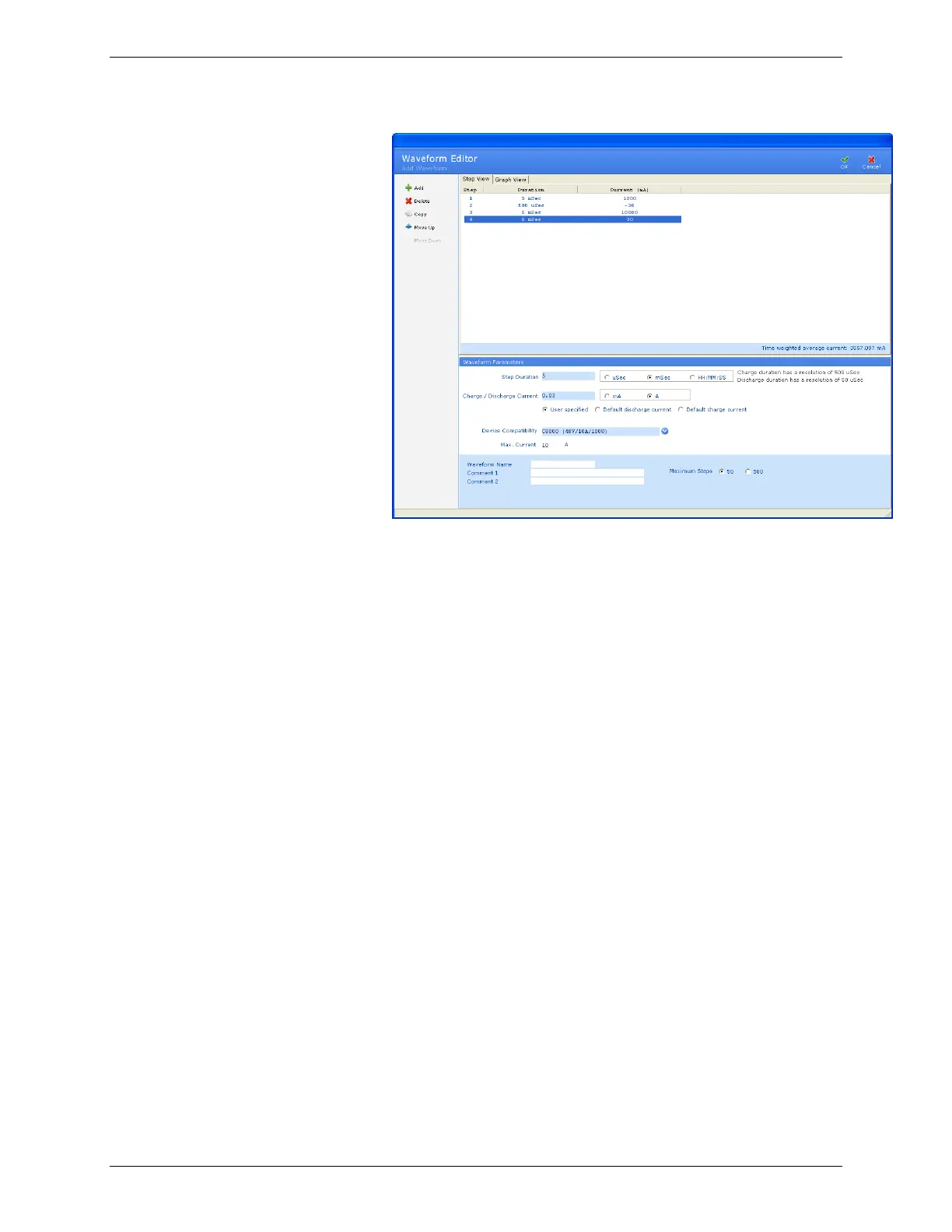
5. In the Waveform Name field, type a name for this
waveform.
6. In the Comment 1 and Comment 2 fields, type any notes
about this waveform.
7. Click OK. The new waveform appears in the Waveform
Database window.
3.12.2.1 Add a Step to a Waveform
Note: A zero mA step is required when transitioning between
charge/discharge and vice-versa. The last waveform step must
respect this rule when it is compared with the first waveform step.
1. Click Add in the Waveform Editor window. The new step
appears in the Custom Waveform window.
2. Change the values in the Duration and the Charge/Discharge
Current fields, as needed.
3.12.2.2 Remove a Step from a Waveform
1. Select the step to delete.
2. Click Delete.
3.12.2.3 Copy a Step to Another Step in a Waveform
1. Select the step to copy.
2. Click Copy.



 To Next Page