C8000 Battery Testing System User Manual
Battery Tester 63
2.11 Specify System Options
To specify system options on the C8000:
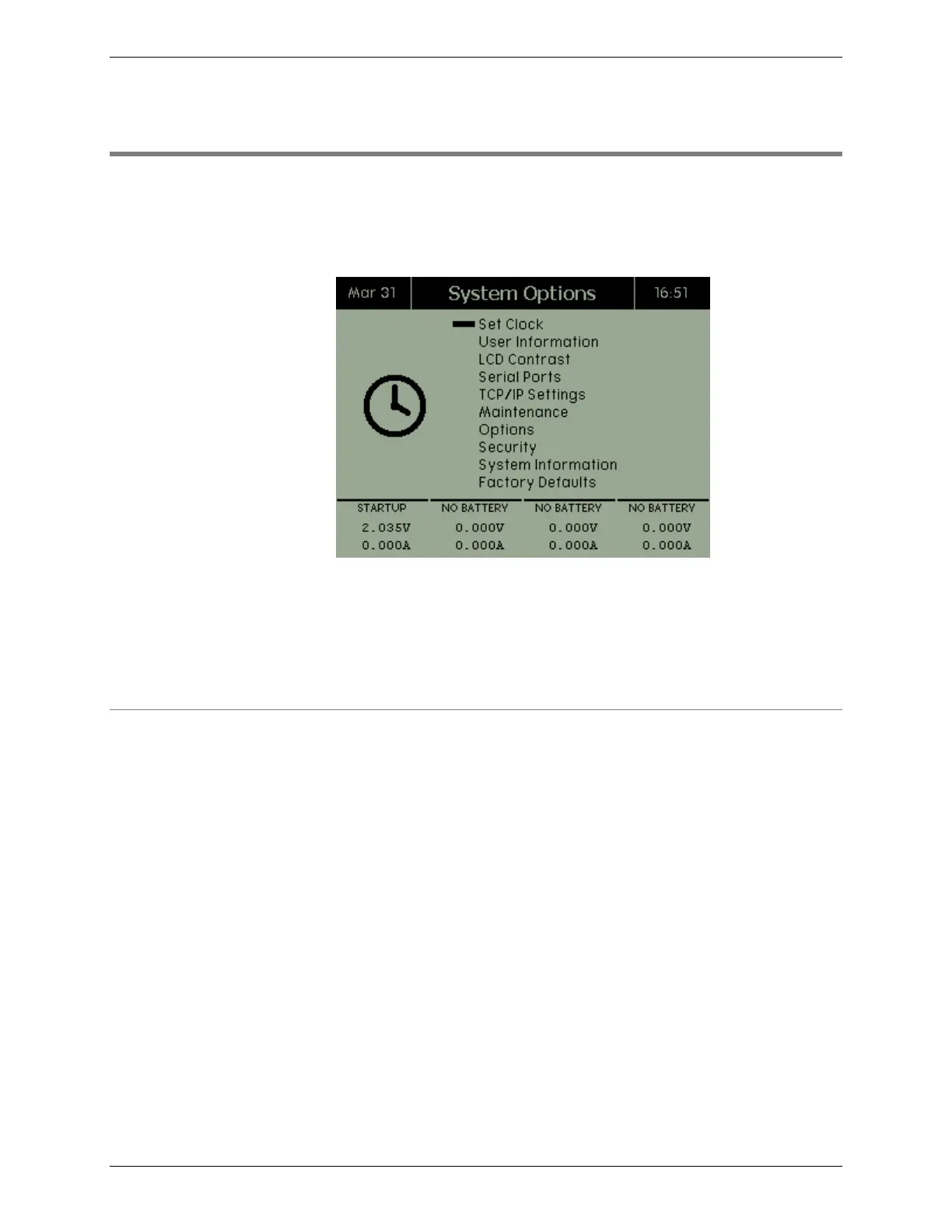
From the Main screen, select System. The System Options screen
appears.
The System Options screen shows 10 menu items: Set Clock, User
Information, LCD Contrast, Serial Ports, TCP/IP Settings,
Maintenance, Options, Security, System Information, and Factory
Defaults.
2.11.1 Set the Clock
To set the time and date on the C8000:
1. From the Main screen, select System and press
ENTER. The System Options screen appears.
2. Select Set Clock and press ENTER. The System Time
screen appears.



 To Next Page