C8000 Battery Testing System User Manual
102 3 Cadex BatteryLab
5. Select the Enable Communication Data Log check box to log
all communications between the C8000 and BatteryLab for
debug purposes only. Note: Multiple files maybe stored in
this location if the file size exceeds 100MB. Any additional
files will be numerically appended in the order of 1.
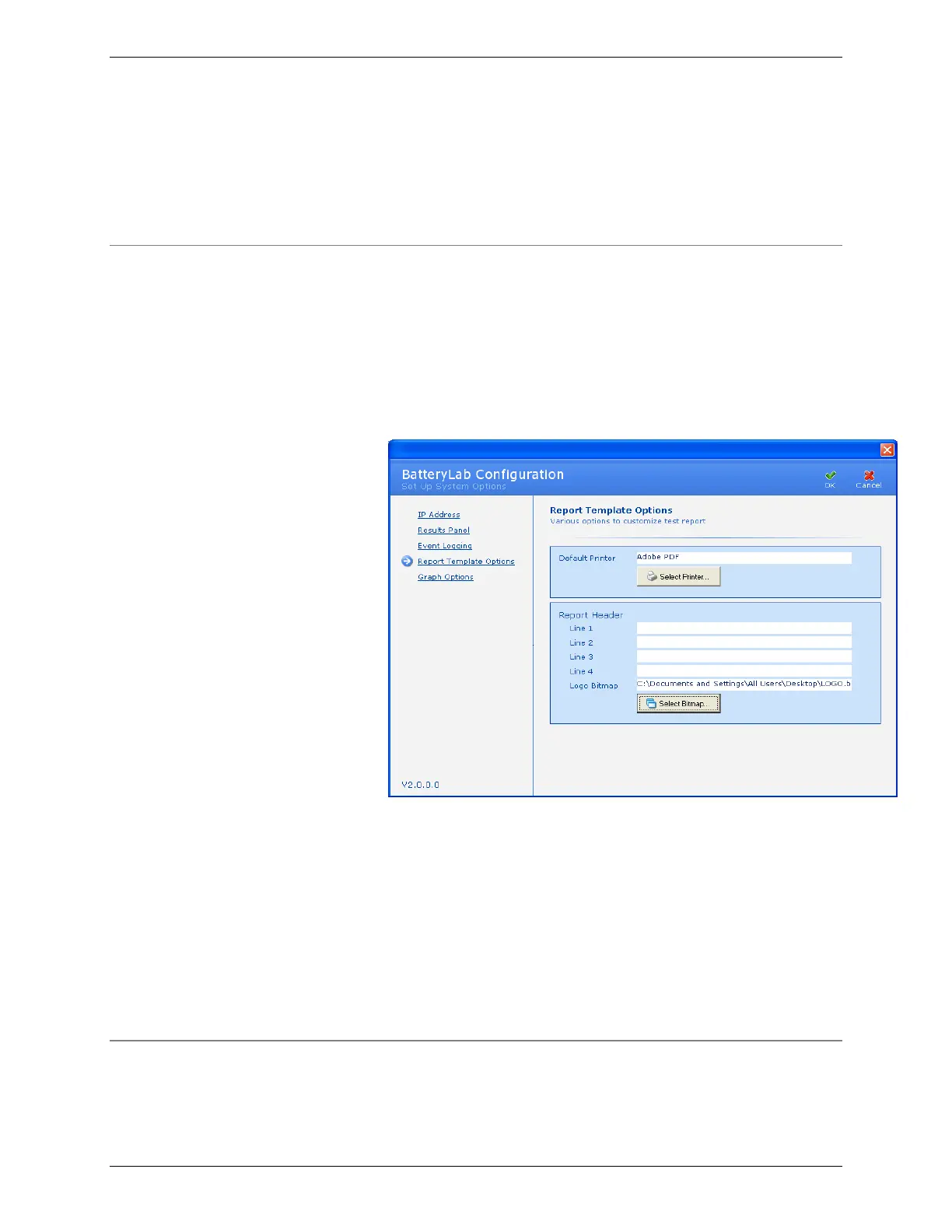
3.2.3 Report Template Options
BatteryLab test reports can be customized with a logo and report
headers.
1. From the Tools menu, select BatteryLab Configuration.
The BatteryLab Configuration window appears. Click
Report Template Options. The Report Template Options
window appears.
2. Click Select Printer to select the default printer for test
reports.
3. In the Lines 1 through 4 fields, type the text that will appear
as headers in the test report.
4. Click Select Bitmap to select a logo bitmap file. The
recommended size for a BMP logo is 1.5 inches x 1.5 inches.
5. Click OK.
3.2.4 Graph Options
Altering the Plot Variables can customize the default variables for
the graphs;



 To Next Page