C8000 Battery Testing System User Manual
202 3 Cadex BatteryLab
3.10.9 Organize Programs in Folders
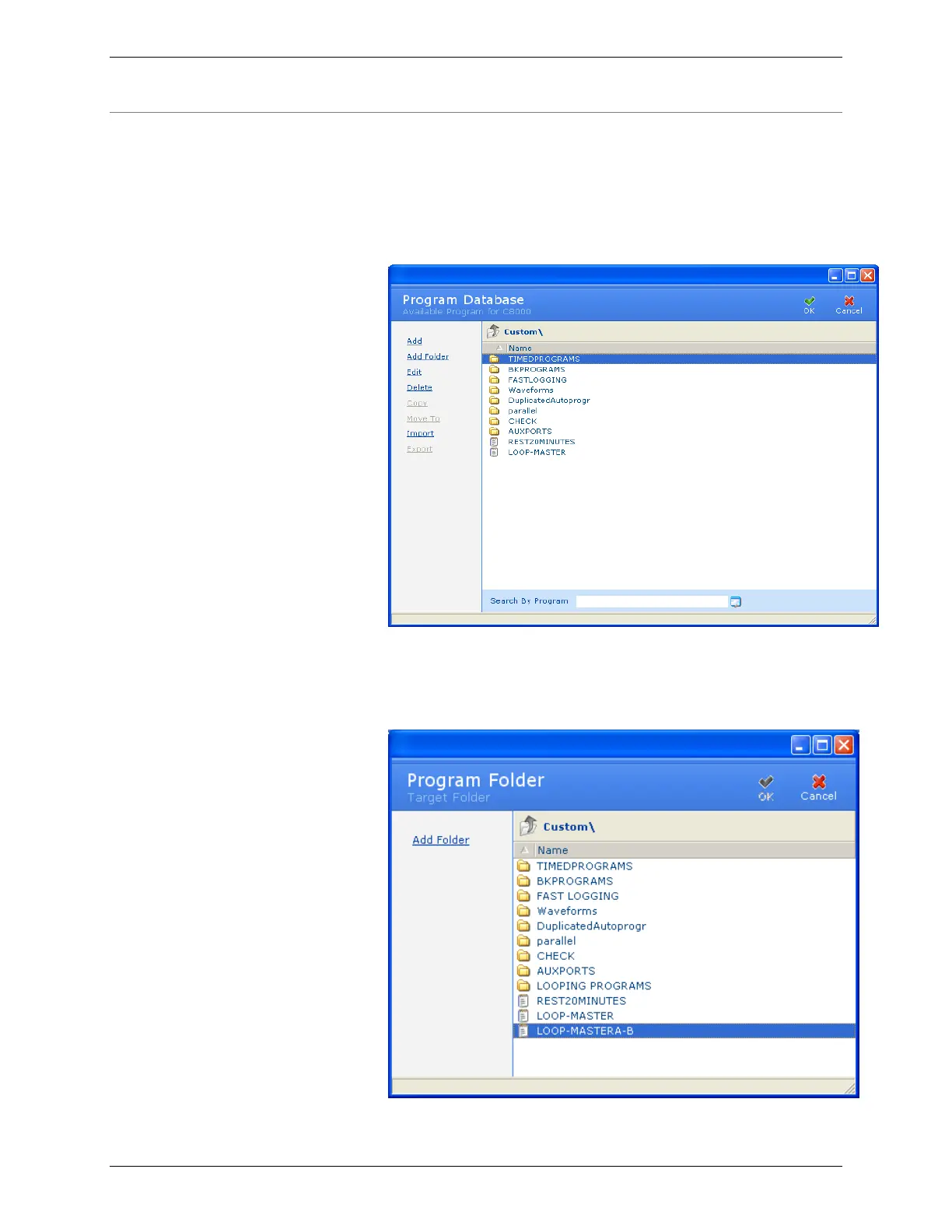
Programs can be organized, or grouped, into folders. To move a
program to a folder:
1. From the Database menu, click Programs. The Program
Database window appears.
2. Select the program (identified by a text document icon) to
move to a folder.
3. Click Move To. The Target Folder window appears.



 To Next Page