C8000 Battery Testing System User Manual
46 2 Battery Tester
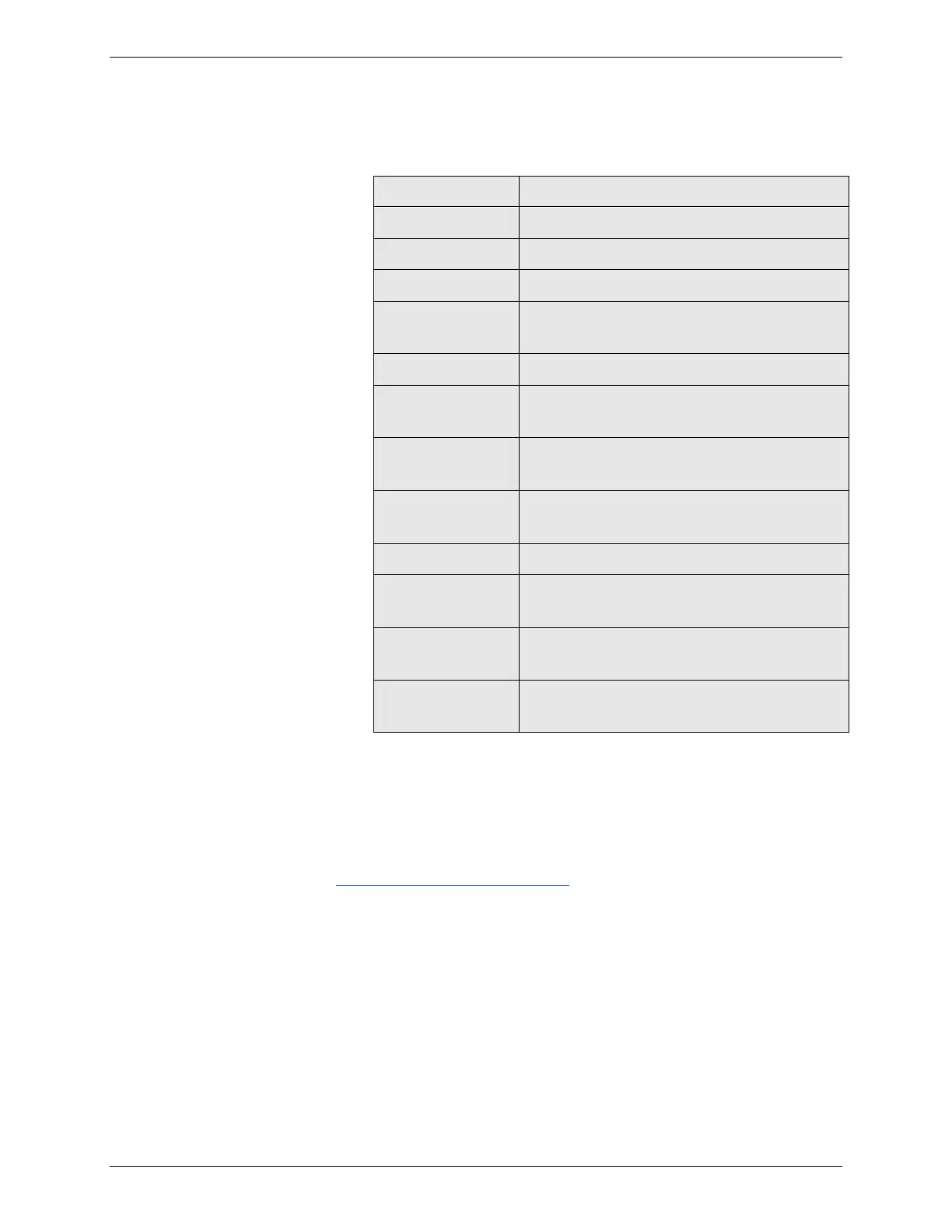
The following table describes the fields that appear in the
Results screen.
The battery’s identification.
The date the test was performed.
The program run during the test.
Indicates whether the battery completed
or failed the test.
The battery capacity, if available.
Show the battery’s results of impedance
in milli-Ohms.
The number of charge cycles performed
during the test.
The number of discharge cycles
performed during the test.
The time it took to complete the test.
Displays the last five status codes,
regardless if test completed or failed.
Displays the step number where the test
failed.
Displays the name of the step where the
test failed.
When finished viewing the results, press CANCEL.
2.7.2.2 Print Test Results
Use BatteryLab to print test results. For more information, see
3.6.3 View and Print Test Details.
2.7.2.3 Delete a Test Result
Delete a specific test result if it is no longer needed:
1. From the Main screen, select Test Results. The Test
Results screen shows the results sorted by battery serial
number.



 To Next Page