C8000 Battery Testing System User Manual
3 Cadex BatteryLab 117
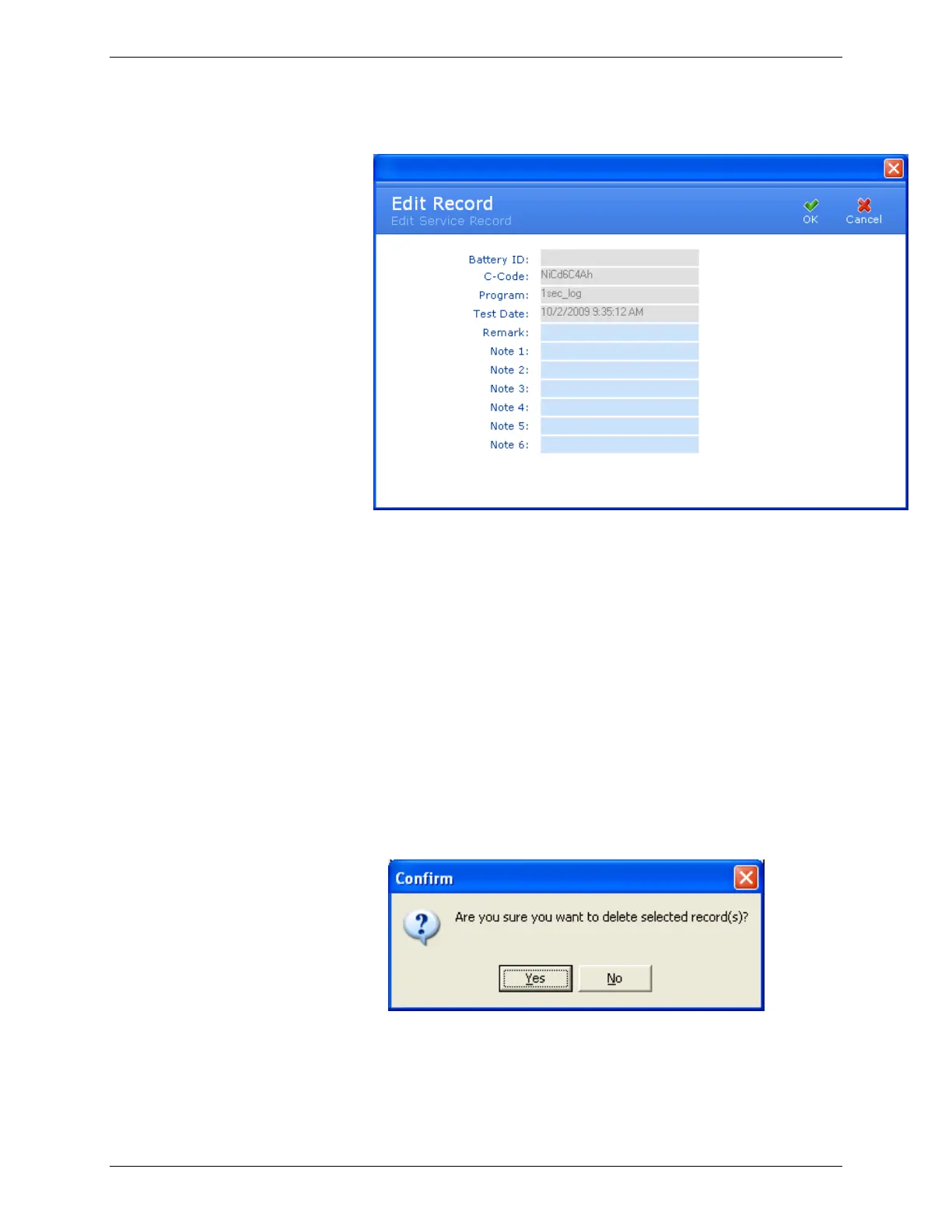
4. Click Edit Record. The Edit Record window appears.
5. Edit the remarks for the test record, as needed.
6. Click OK.
3.6.3.2 Delete a Battery Test Record
If a battery test record is no longer needed, delete it from the
database.
1. From the C8000 menu, click Results. The Test Results
window appears.
2. In the Test Results window, search for the test result by
battery ID or C-Code and click Search.
3. Select the test record to delete. Hold the CTRL key down to
select multiple records.
4. Click Delete Record. The Confirm window appears.
5. Click Yes.
3.6.3.3 Print Test Result Document
To print a test result document:



 To Next Page