C8000 Battery Testing System User Manual
114 3 Cadex BatteryLab
4. Click Search. The results appear in the window.
3.6.1 Import Test Results
To import test results from a file:
1. From the C8000 menu, click Results. The Test Results
window appears.
2. From the File menu, select Import Test Results. The Open
window appears.
3. Select the file that contains the test results to import and
click Open.
3.6.2 Print a Search List
To print the search list:
1. From the C8000 menu, click Results. The Test Results
window appears.
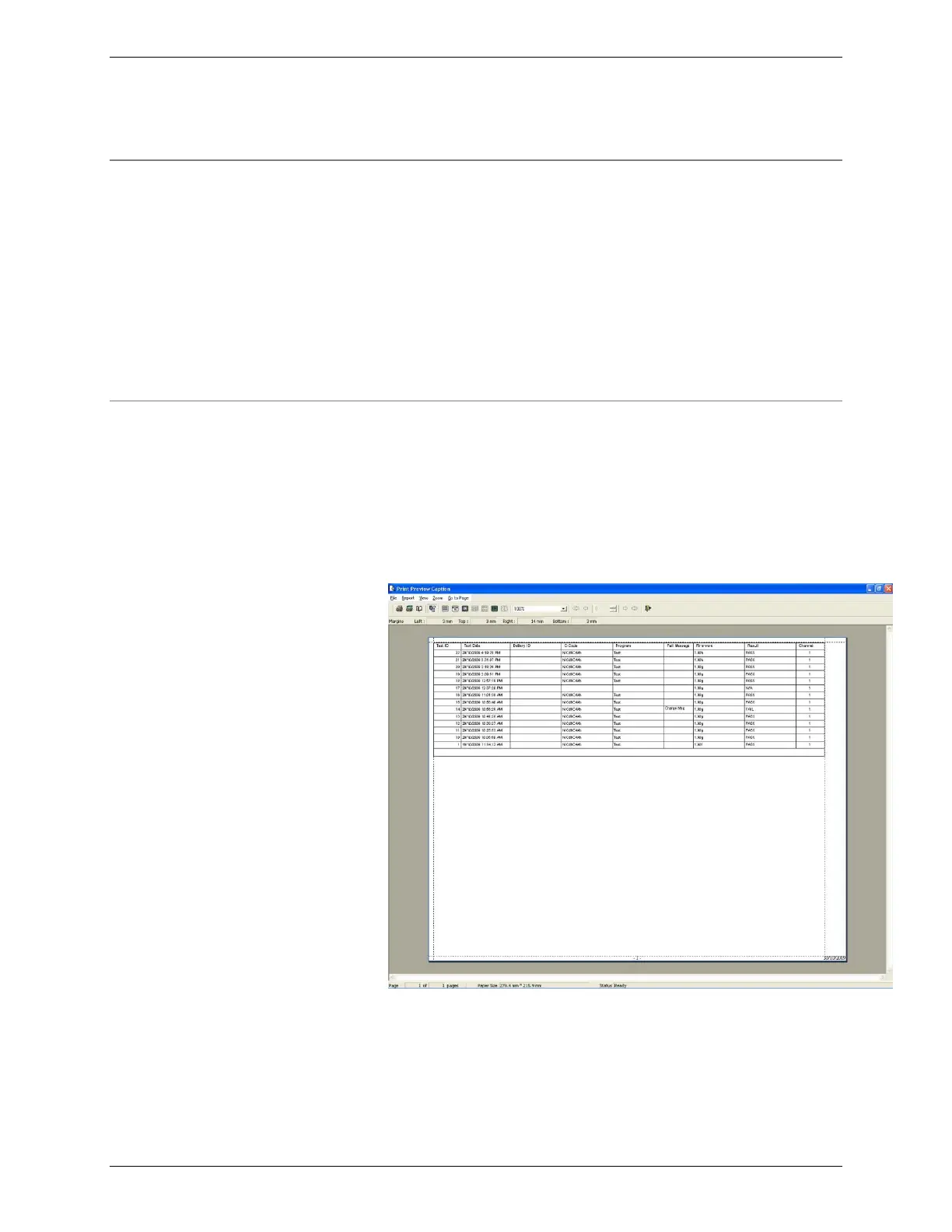
2. From the File menu, select Print Search List. The Print
Preview Caption window appears.
3. From the Report menu, click Print to print the search list
report.



 To Next Page