C8000 Battery Testing System User Manual
Battery Tester 67
3. In the TCP/IP Settings screen, press to select Enabled
and press ENTER.
4. Enter the following information:
Address: This is the IP address for the C8000 from your
network administrator.
Mask: This is the network mask obtained from your network
administrator.
5. Press OK two times and let the C8000 reboot.
Note: Ensure that the IP Address is unique on the network system and
the IP Address assigned to the C8000 has been removed from the DCHP
server assignment list.
2.11.6 Maintenance
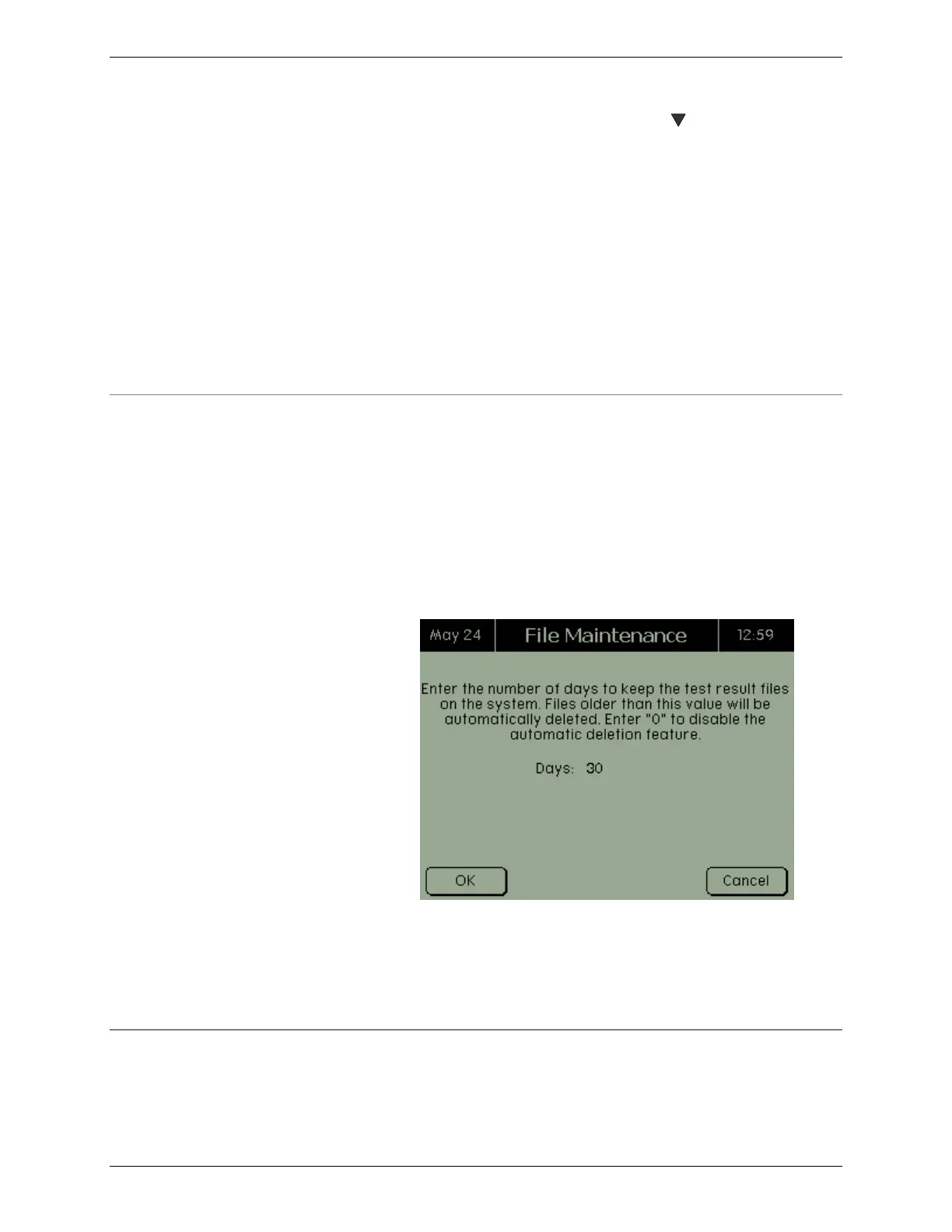
Test results for each battery test are saved on the C8000 and are
automatically deleted after the specified number of days.
1. From the Main screen, select System and press
ENTER. The System Options screen appears.
2. From the System Options screen, select Maintenance
and press ENTER. The File Maintenance screen
appears.
3. Enter the number of days to keep test results. To
prevent results from being deleted automatically, enter
(0) zero - the default is 30 days.
4. Press OK.
2.11.7 Options
If the Save Termination Data option is enabled, the C8000 can
capture the last 500 Voltage and Current readings for each



 To Next Page