C8000 Battery Testing System User Manual
112 3 Cadex BatteryLab
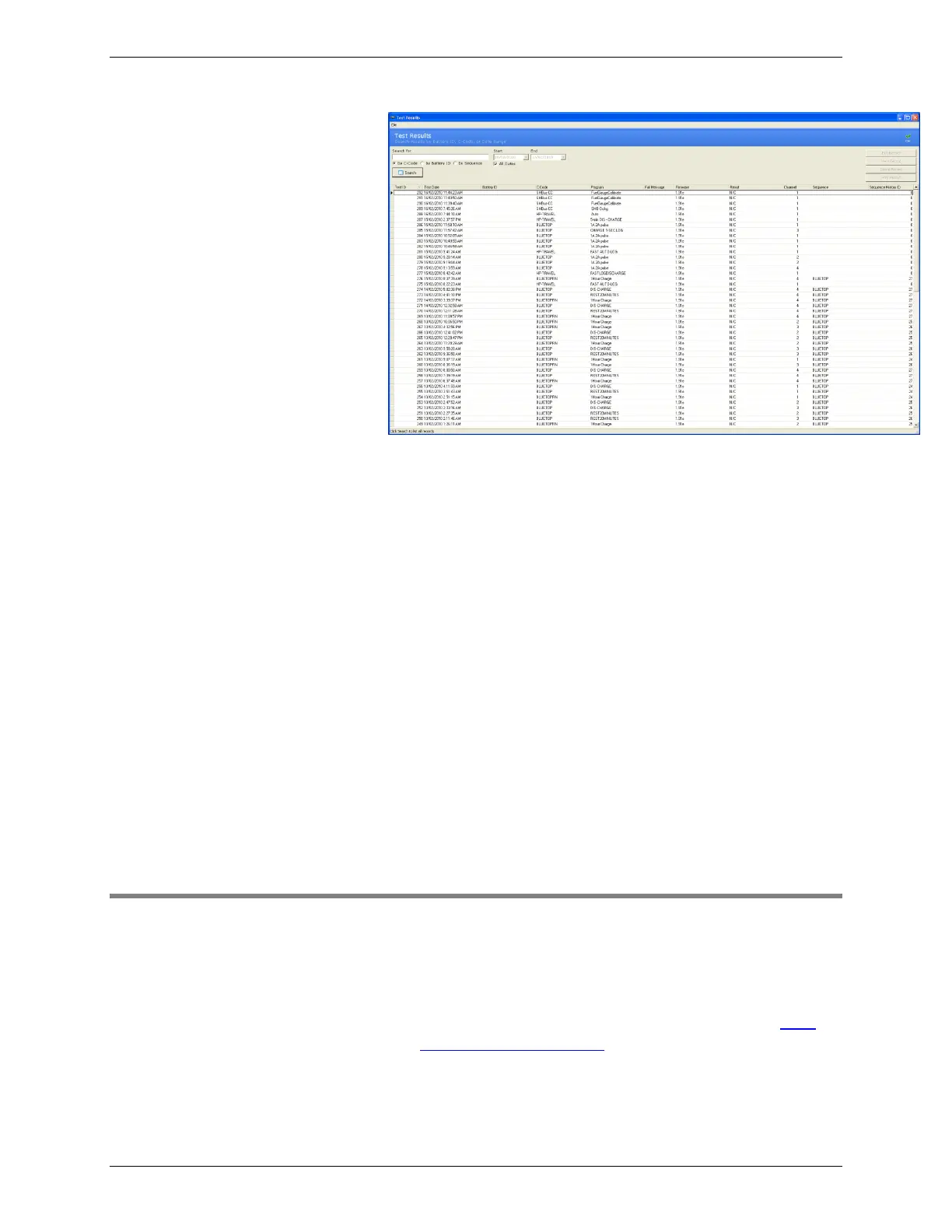
2. The Test Results window lists the 100 most recent test
results in the database. Click Search to view all test
results in the database
3. To retrieve test results for battery tests started on the
C8000, select Retrieve Results from the File menu.
The Result column indicates the test result, for example Pass or
Fail. A test result of N/A means the test result file was not found;
a test result of N/C means the test was not completed as it is still
running.
Note: If results for tests NOT started via BatteryLab are retrieved
long after Test Results on the C8000 are automatically deleted,
then there is a chance that the wrong Test Result record will
become associated with Test Records in the BatteryLab database.
For this reason, it is recommended that the Retrieve Results should
occur before associated Test Results on the C8000 are
automatically deleted.
3.5 Test Status
The test results list shows status codes to indicate the status of the
battery test.
1. Open the test result you want to view.
For information on viewing the test results, see View
Test Results in BatteryLab.
2. In the test results, note the information in the Results
and Status Code fields.



 To Next Page