C8000 Battery Testing System User Manual
3 Cadex BatteryLab 113
3. Look up the status code in the Status Messages Listed by
Code and Status Messages Listed by Detailed Message
sections of this manual.
4. Take the appropriate actions based on the information
in the table.
3.6 View Test Results in BatteryLab
Tests started with BatteryLab are automatically retrieved from the
C8000 when the test completes and BatteryLab is still running.
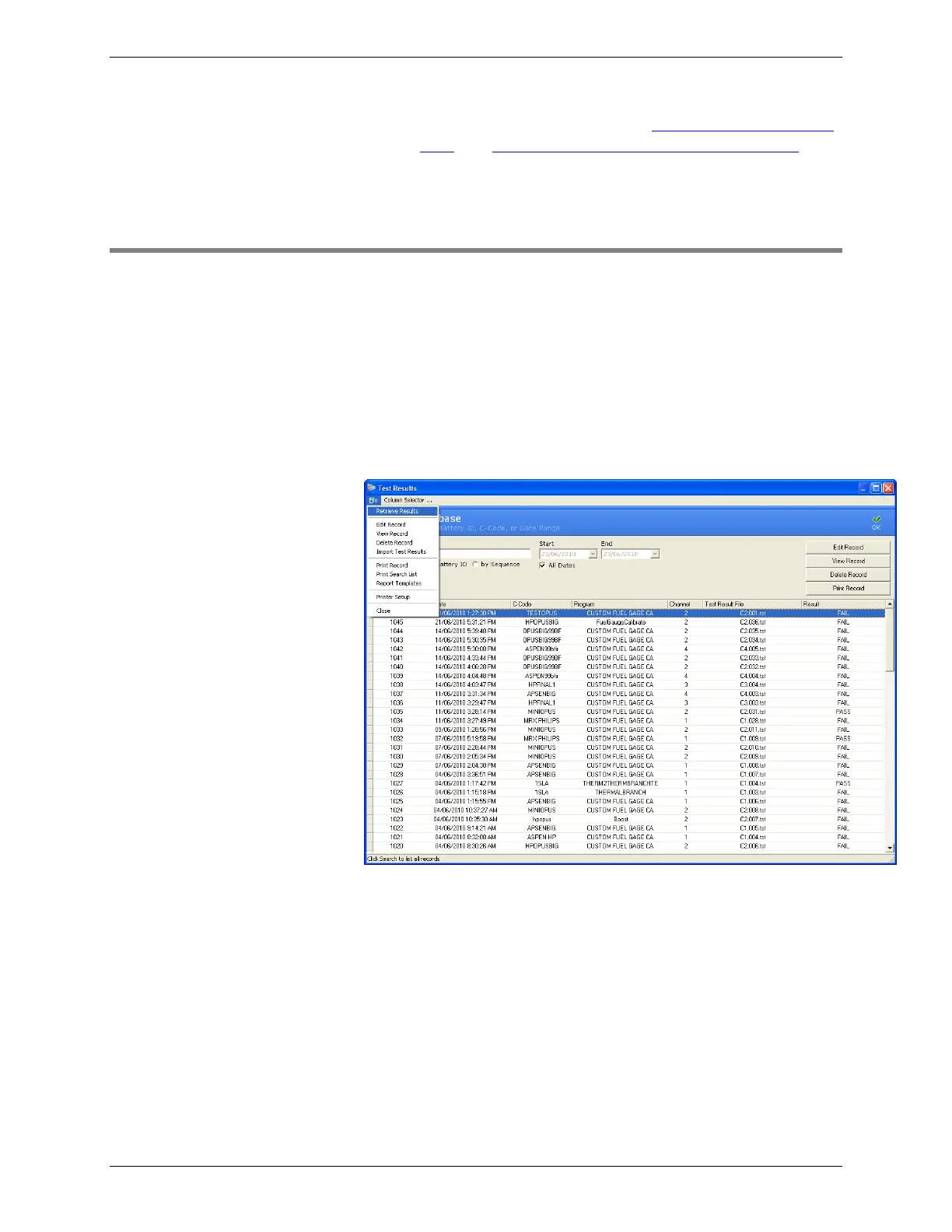
If a test is started on a C8000 and BatteryLab is not running, the
Test Results will be saved on the C8000. When BatteryLab is run
the next time, use the Retrieve Results (File) menu option on the
Test Results window to retrieve the results for the test started on
the C8000. However, in this case, test results will not include
graph data.
1. From the C8000 menu, click Results. The Test Results
window appears.
2. In the Search for field, type part or all of the battery ID or C-
Code.
3. Select the All Dates check box to find all test results for the
battery.
--or--
Clear the All Dates check box and select the date range to
view.



 To Next Page