C8000 Battery Testing System User Manual
228 3 Cadex BatteryLab
3.12.2 Add a Waveform
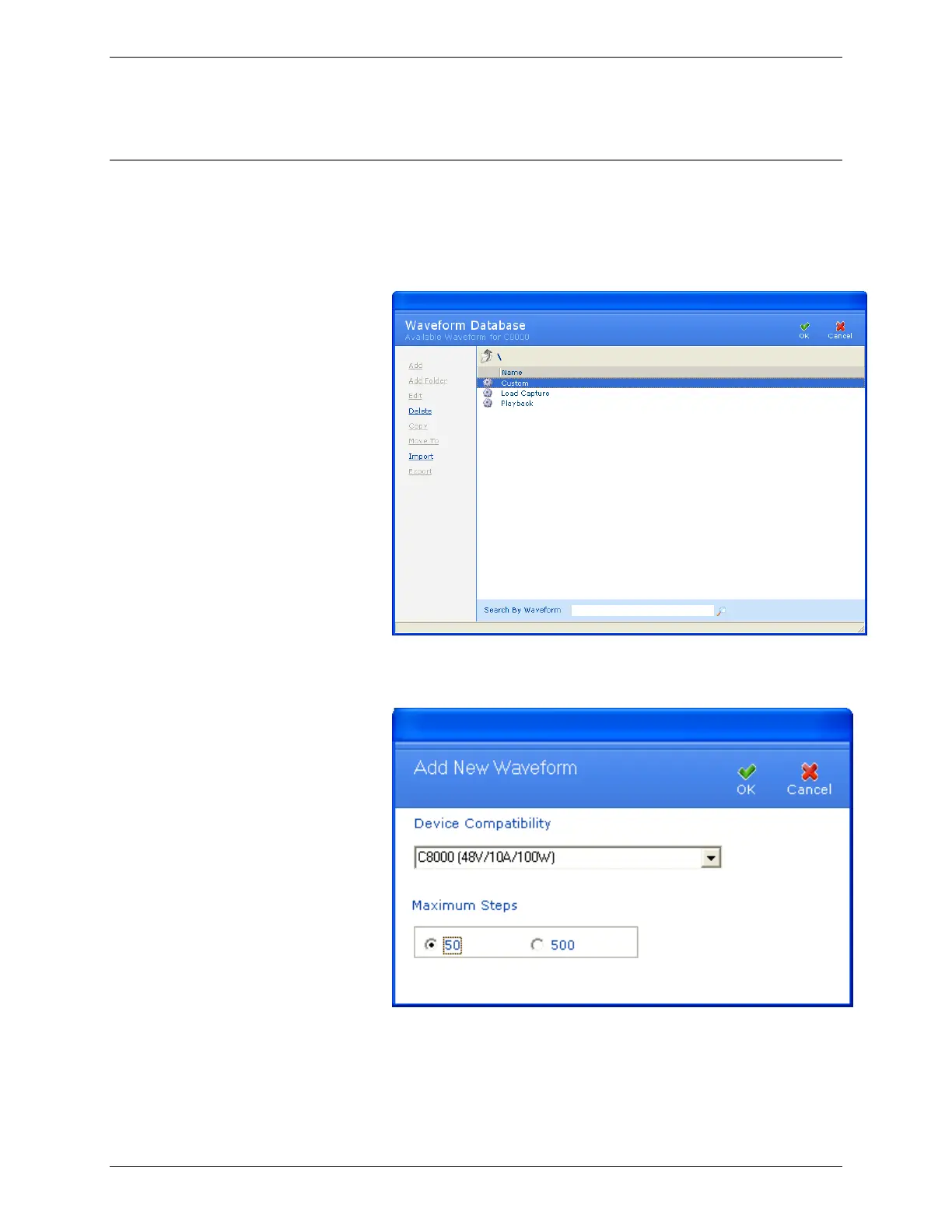
To add a waveform to BatteryLab:
1. From the Database menu, click Waveforms. The
Waveform Database window appears.
2. Select the Custom, Load Capture, or Playback folder and
click Add. The Add New Waveform window appears.
Explanation:
The Add New Waveform window is used to configure the
waveform. This configuration allows the C8000 system to



 To Next Page