C8000 Battery Testing System User Manual
14 2 Battery Tester
Display and Controls
2.1.4 Front Panel
2.1.4.1 LCD Settings
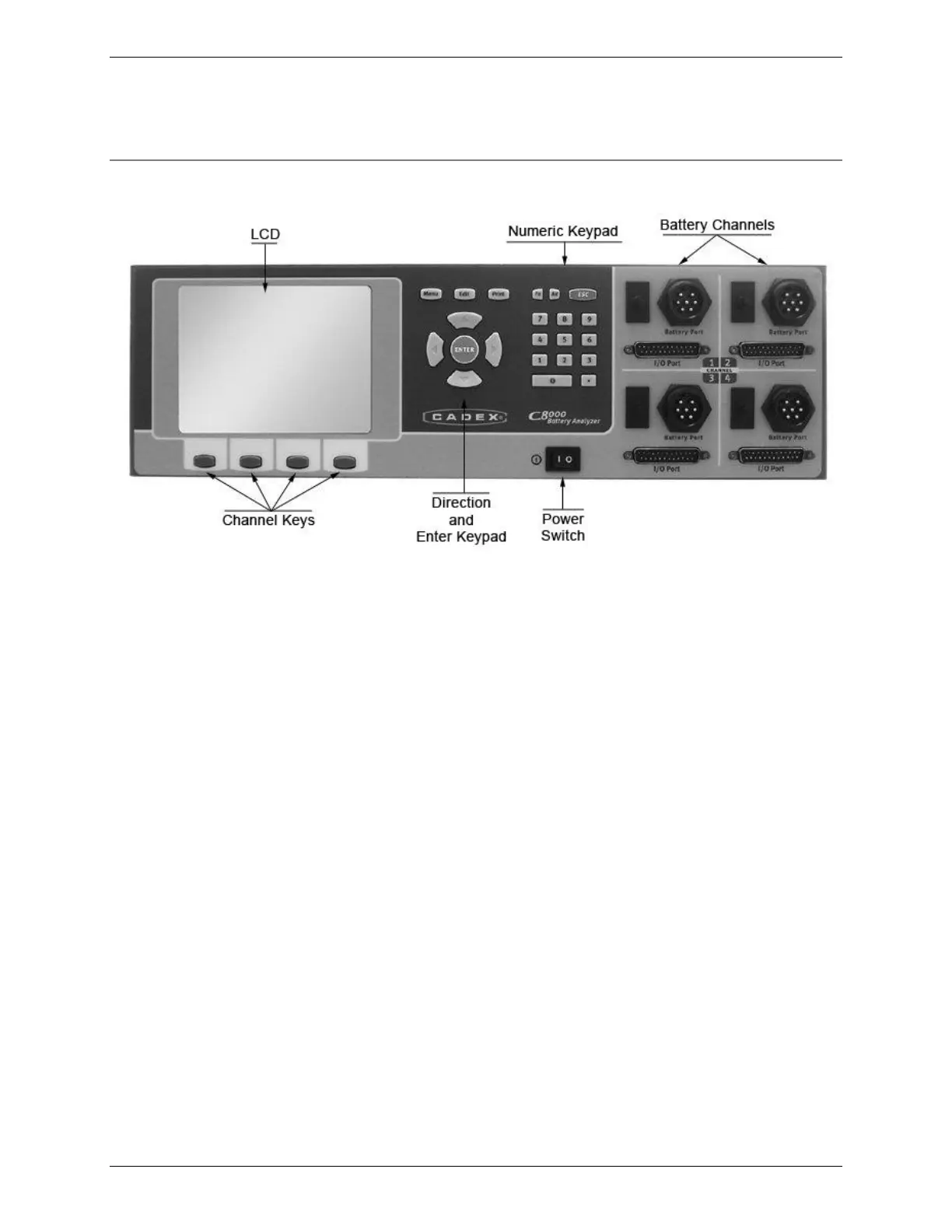
The LCD screen displays the fields that you need to fill in prior to
executing a test and also displays test status and results. Use the
keypad and arrow buttons to enter information into the fields on
the screen.
2.1.4.2 Channel Key Buttons
There are four channel key buttons below the LCD screen. The
functions of these buttons vary depending on the window
displayed on the LCD. The function (if any) of each button is
displayed on the screen, just above the button.



 To Next Page