C8000 Battery Testing System User Manual
3 Cadex BatteryLab 135
4. Click the Pencil icon next to the C-Code field. The C-Code
Database window appears. Select a C-Code for the battery
ID and click OK.
5. Type any remarks in the Comment 1 and Comment 2 fields.
6. Click OK. The new battery ID appears in the Battery ID
Database window.
3.8.2 Edit a Battery ID
To edit a battery ID:
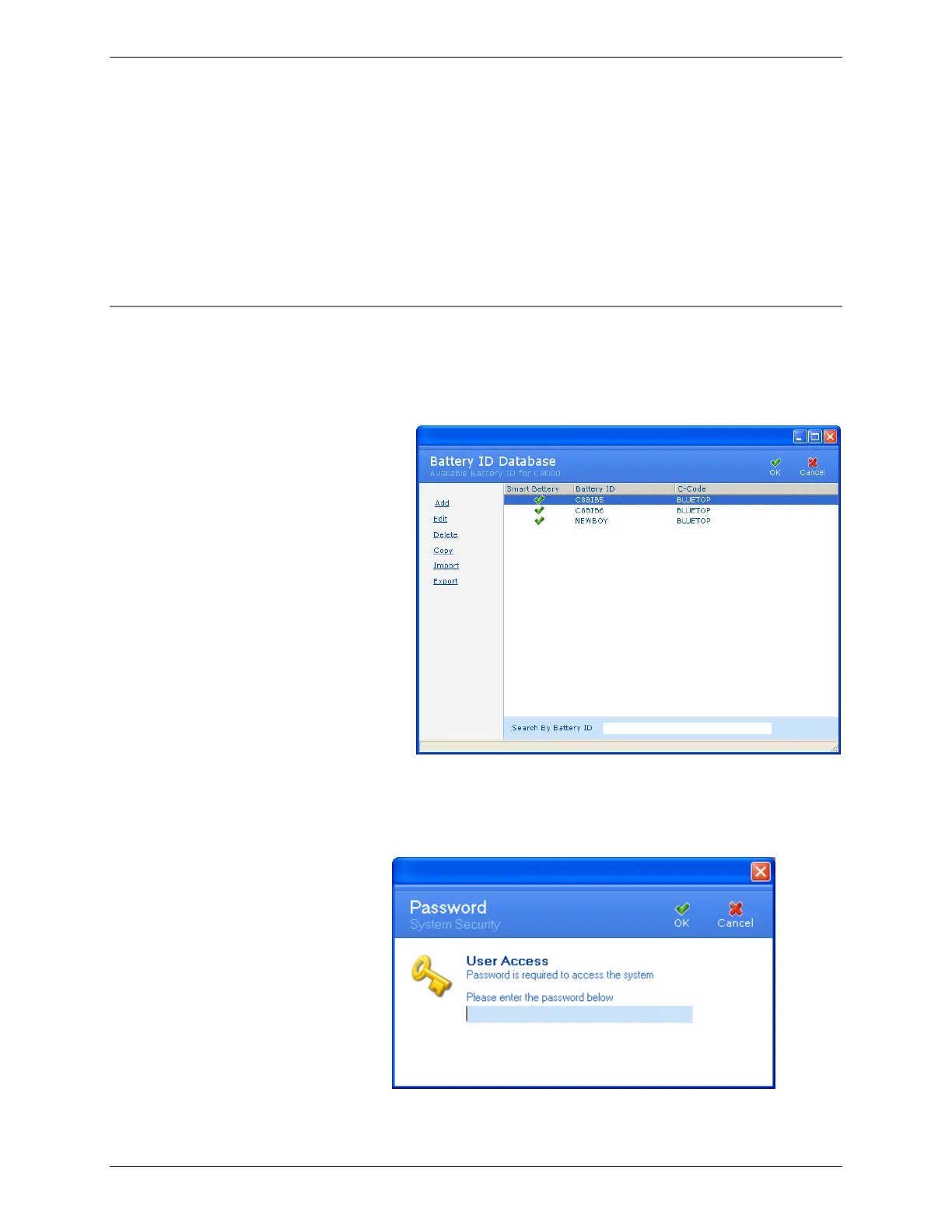
1. From the Database menu, click Battery ID. The Battery ID
Database window appears.
2. Select the battery ID to edit.
3. Click Edit. If database security is enabled, the Password
window appears.



 To Next Page