C8000 Battery Testing System User Manual
3 Cadex BatteryLab 85
3.1.8.6 Network Cable
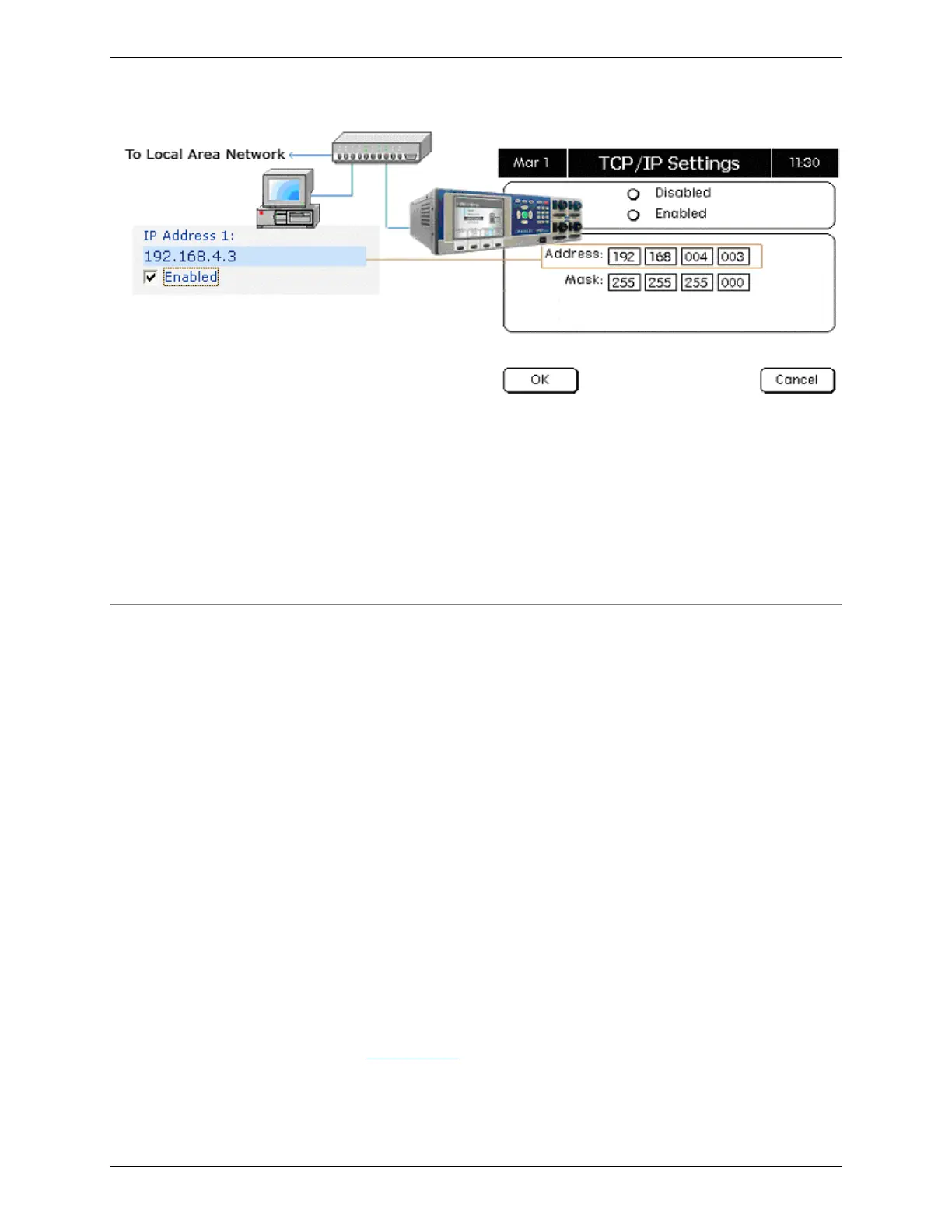
A network connection between the computer and C8000 can occur
using a hub or switch or directly using the network cable
provided.
The host PC’s IP address must connect the C8000 to the PC
directly via the provided cable.
3.1.9 Firewalls
All operating systems from Microsoft windows XP Service pack 2
and newer will by default have a Firewall installed and active or a
third party application may have been installed, regardless of the
operating system. For BatteryLab to communication with the
C8000 a rule will be required to be configured and granted or
allowed communications to the network.
On the initial execution of the BatteryLab application, the majority
of firewall applications will recognize the communication attempt
and will prompt the user for permission. Always “ALLOW” or
“GRANT” full communication permissions to the BatteryLab
application.
Depending on the firewall application the application may be
expressed as BATLAB.exe.
If the firewall application does not prompt for permission or
BatteryLab has been denied access to the network, refer to the
documentation for that firewall for instructions to open the
required ports.
See 3.1.9.1 Ports for a list of the required ports, which must be
“allowed”.



 To Next Page