C8000 Battery Testing System User Manual
3 Cadex BatteryLab 203
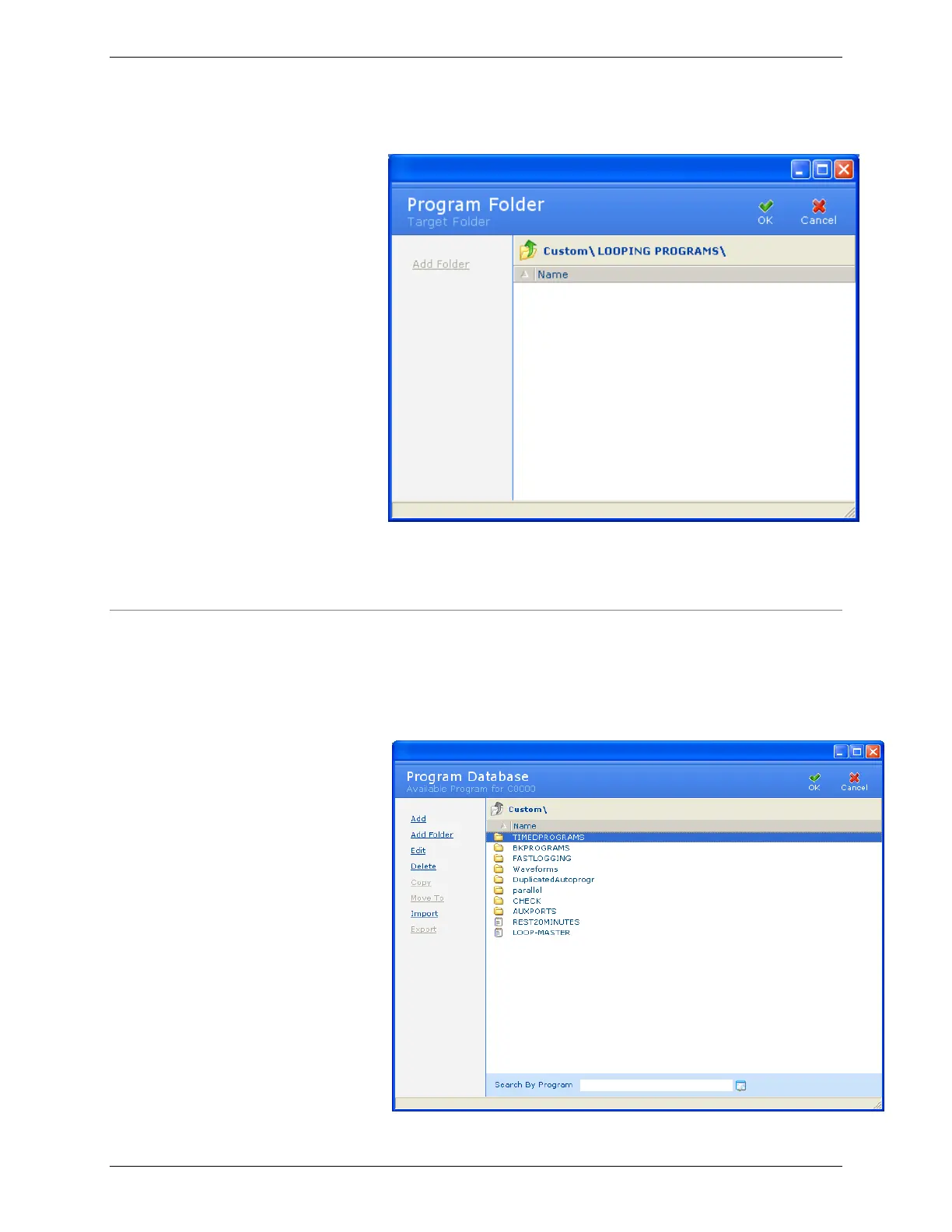
4. Double-click the name of the folder to move the program
to. The target folder appears.
5. Click OK. The program is moved to the target folder.
3.10.10 Import a Program
To import a program from a file:
1. From the Database menu, click Programs. The Program
Database window appears.



 To Next Page