C8000 Battery Testing System User Manual
92 3 Cadex BatteryLab
System Update: Displays the System Update window to update
firmware or to backup and restore calibration data.
The Database Menu
Click the Database menu item to see the Database menu. The
Database menu contains eight menu items, as follows:
Battery ID: Displays the Battery ID Database window.
C-Code: Displays the C-Code Database window.
Programs: Displays the Programs Database window.
Load Capture: Displays the Load Capture programs database.
Waveforms: Displays the Waveforms Database window.
Sequencer: Displays the Sequencer window.
Security Setting: Enables or Disables the C8000 and BATTERYLAB
Security Setting.
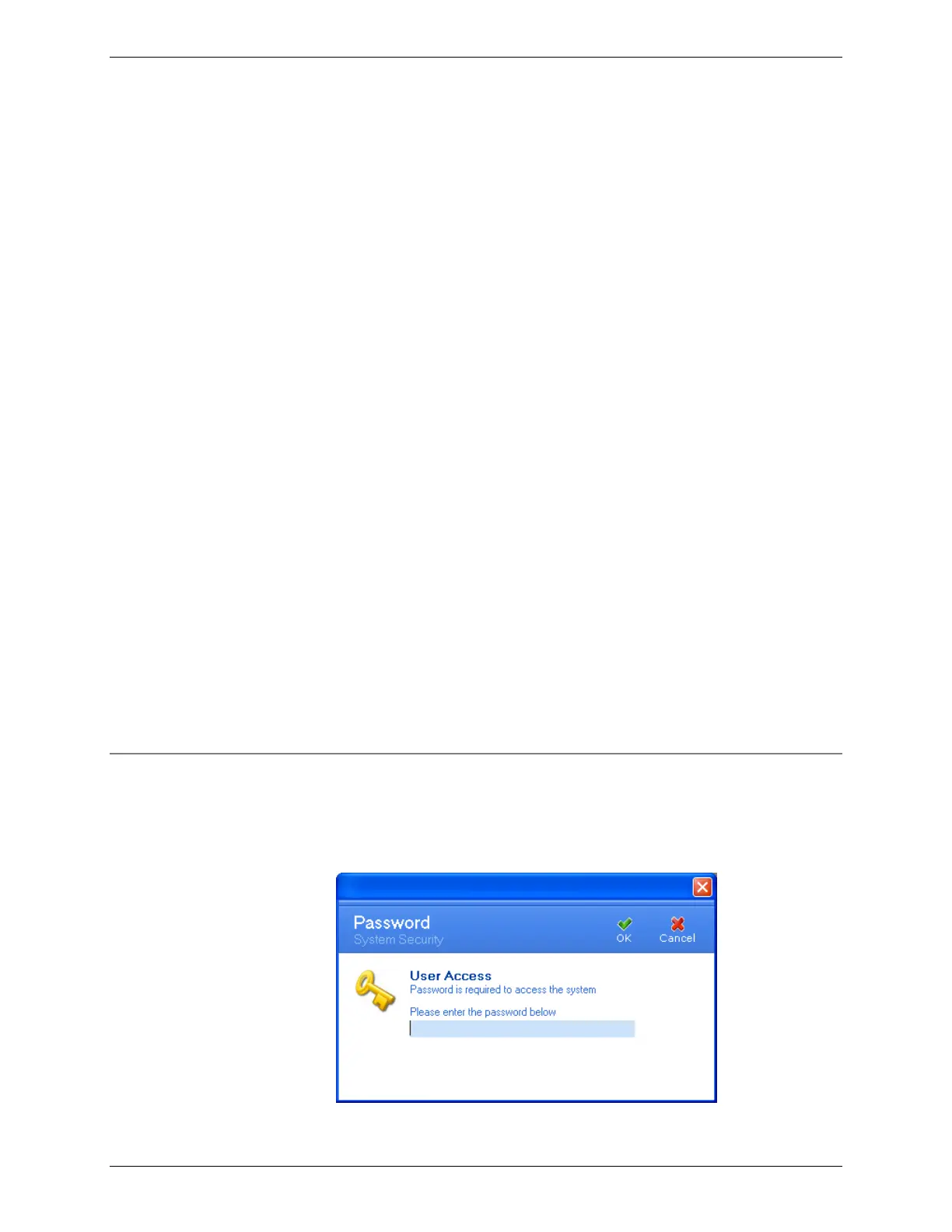
Password Setting: Displays the Password window.
The Help Menu
Click the Help menu item to see the Help menu. The Help menu
contains two menu items, as follows:
Contents F1: Displays the Help window.
About: Displays the About window, which shows details about
the BatteryLab application.
3.1.12 Set the Clock on the C8000
From the C8000 menu, select Set Clock and then select Selected
C8000 or All connected C8000(s).
The Password window appears, if security is enabled.



 To Next Page