C8000 Battery Testing System User Manual
3 Cadex BatteryLab 147
3.8.7 Search for a Battery ID
The BatteryLab database may contain hundreds, or even
thousands, of battery IDs. To find a battery ID, click the Search By
Battery ID field to move the cursor to that field.
Next, type the first one or two characters of the battery ID to find.
As BatteryLab locates the partial ID, it will highlight the
corresponding ID in the Battery ID Database window.
3.8.8 Sort Battery IDs
The BatteryLab database may contain many battery IDs. To sort
the battery IDs in ascending order click the Battery ID or C-Code
column in the Battery ID Database window. Click the column a
second time to sort the battery IDs in descending order.
3.9 C-Code
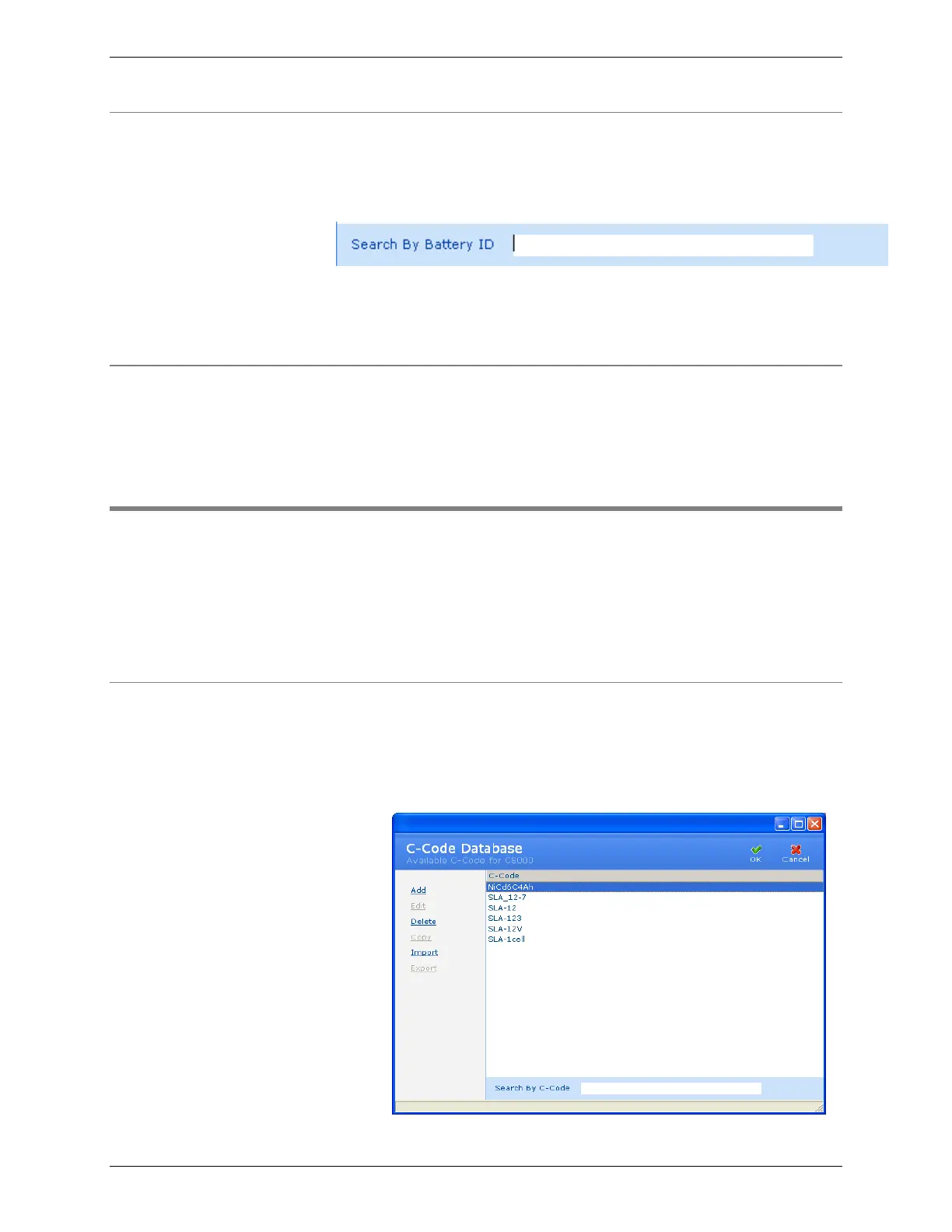
The C-Code Database window displays a list of C-Code records
in the BatteryLab database. A C-code (Configuration Code) is a
list of parameters specific to the Battery under Test. These
parameters determine the service algorithms that will be applied
to the battery by the C8000.
3.9.1 Add a C-Code
To add a c-code to BatteryLab:
1. From the Database menu, click C-Code. The C-Code
Database window appears.



 To Next Page