C8000 Battery Testing System User Manual
52 2 Battery Tester
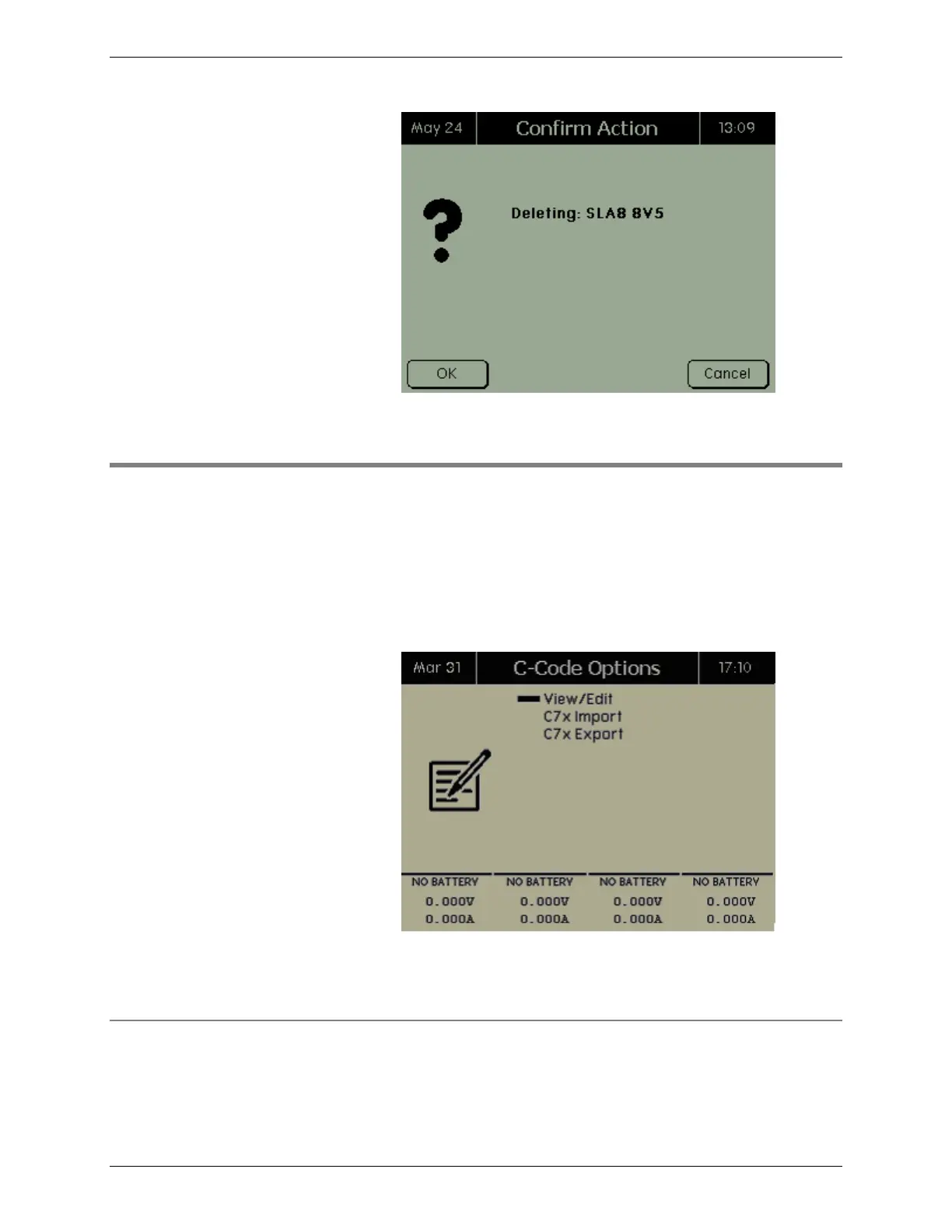
Press OK to delete the battery profile. Note: The referenced C-
Code is not deleted.
2.8 C-Codes
To create, view, and edit c-codes, and to import or export c-codes
to and from the C8000: (Note: The Import and Export functions
apply only to SnapLock/RigidArm Adapters when using the
C8000 Adapter Unit.)
From the Main screen, select C-Codes and press ENTER. The C-
Code Options screen appears.
2.8.1 Add, Edit, and Delete C-Codes
To manage c-codes, select View/Edit from the C-Code Options
screen. The C-Codes screen lists the c-codes in the C8000.



 To Next Page