C8000 Battery Testing System User Manual
3 Cadex BatteryLab 127
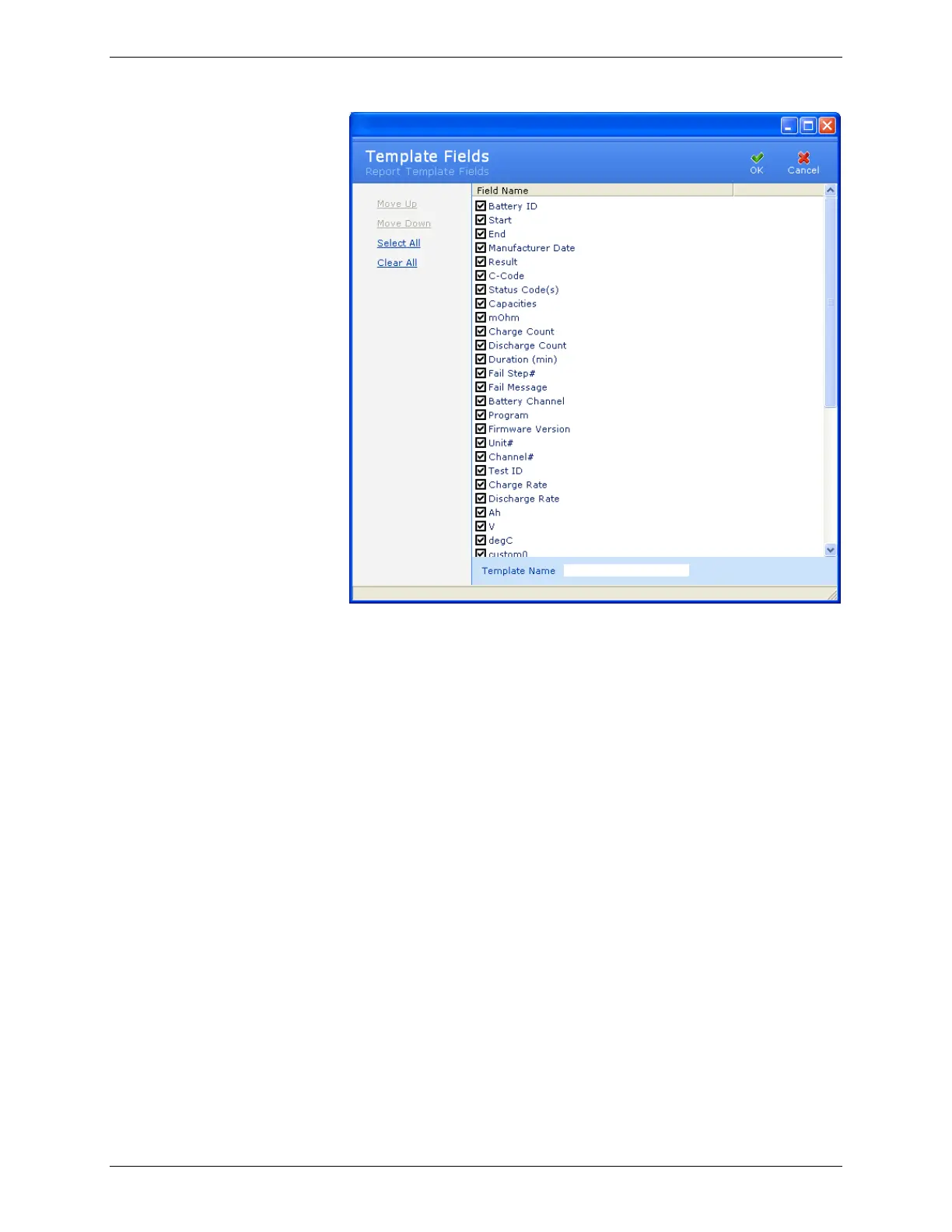
4. In the Template Name field, type the name for the new
template.
5. By default, all field names are automatically selected. Clear
the check box next to a field’s name to exclude that field from
the report. Select the check box next to the field’s name to
include that field in the report that will be created from this
report template. To quickly select all fields for inclusion in
the report template, click Select All; to exclude all fields from
the report template, click Clear All.
6. To move the position of a field up or down in the report,
click the field name and then click Move Up or Move Down.
This sets the order that the fields will appear in reports using
this template.
7. When you have finished selecting the fields for the report
template, click OK to save the template. The new report
template appears in the list of templates.
3.7.2.2 Edit a Report Template:
To edit a report template:



 To Next Page