C8000 Battery Testing System User Manual
Battery Tester 51
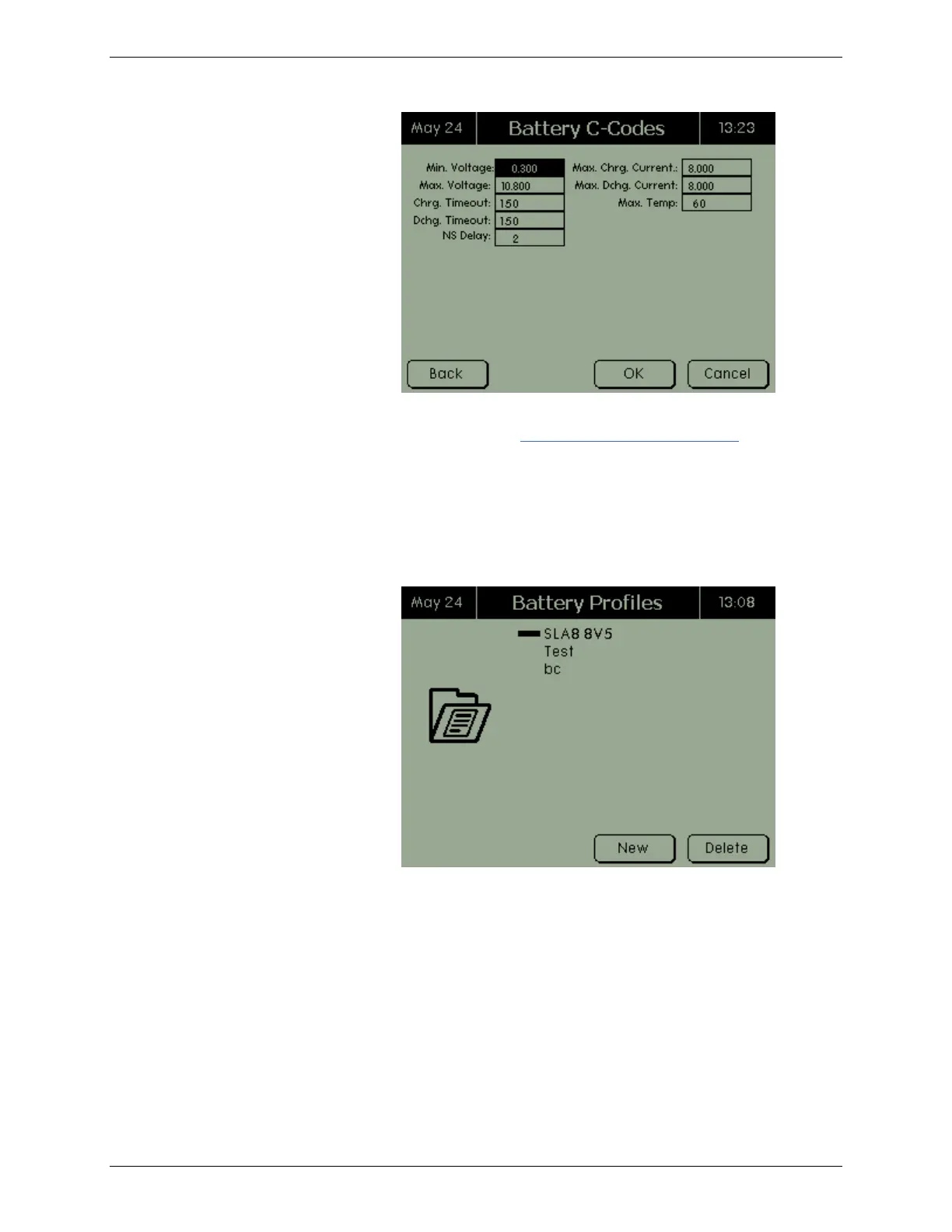
Edit the details of the battery c-code as required. (For instructions
on editing a c-code, see 2.8.1.2 View and Edit a C-Code.) Press
BACK to return to the Page 1 screen.
2.7.3.2 Delete a Battery Profile
To delete a battery profile:
From the Main screen, select Batteries and press ENTER. The
Battery Profiles screen appears.
Select the battery profile to delete and press DELETE. The
Confirm Action screen appears.



 To Next Page