C8000 Battery Testing System User Manual
3 Cadex BatteryLab 129
1. From the Tools menu, click Report Template.
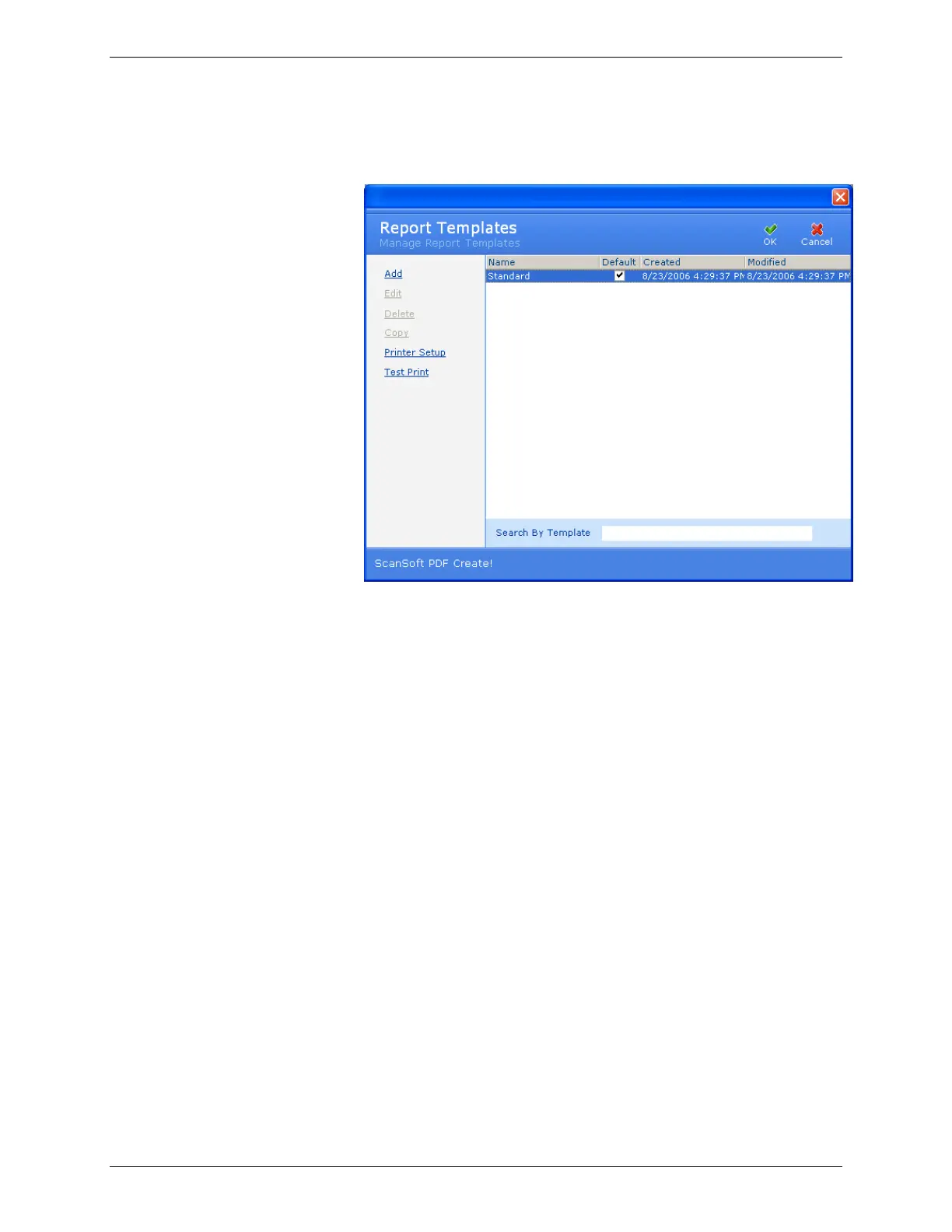
The Report Templates window appears.
2. Place a check mark in the Default check box to set the
template as the default report template.
3. Click OK.
3.7.2.4 Delete a Report Template
A protected report can be deleted after protection is removed. The
default report template can be deleted once another template is set
as the default.
1. From the Tools menu, click Report Template.
The Report Templates window appears.



 To Next Page