C8000 Battery Testing System User Manual
Battery Tester 65
4. Enter the company’s address in the Address 1, Address 2,
and Address 3 fields.
5. Press OK.
For instructions to enter alphabetic characters see 2.1.4.4
Navigating the LCD Display.
2.11.3 LCD Settings
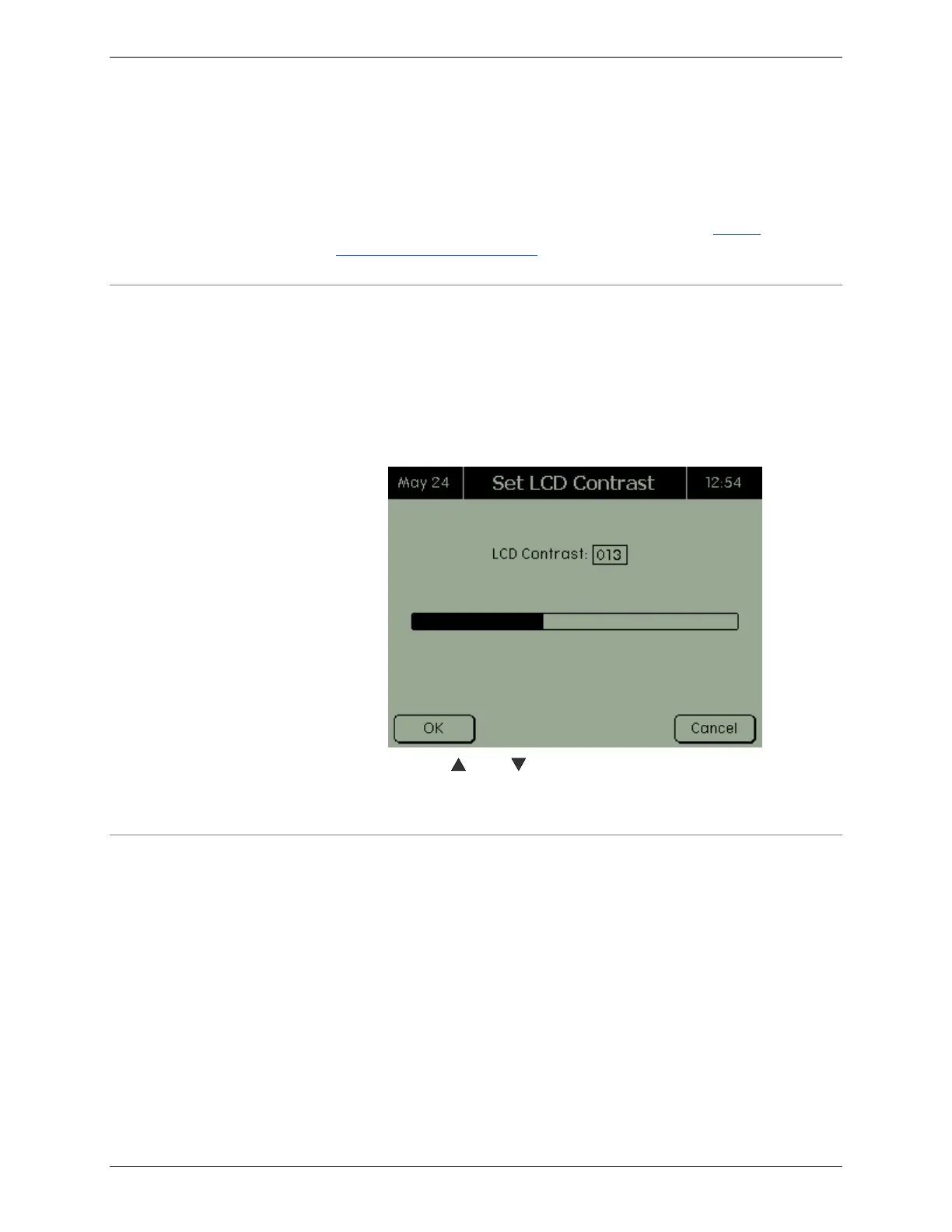
To set the contrast of the C8000’s LCD screen:
1. From the Main screen, select System and press ENTER.
The System Options screen appears.
2. Select LCD Contrast and press ENTER. The Set LCD
Contrast screen appears.
3. Use the and buttons to adjust the contrast.
4. Press OK.
2.11.4 Serial Ports
To set the serial ports for the C8000:
1. From the Main screen, select System and press ENTER.
The System Options screen appears.
2. Select Serial Ports and press ENTER. The Serial Ports
screen appears.



 To Next Page