C8000 Battery Testing System User Manual
108 3 Cadex BatteryLab
3.4 Test Batteries with BatteryLab
To test a battery:
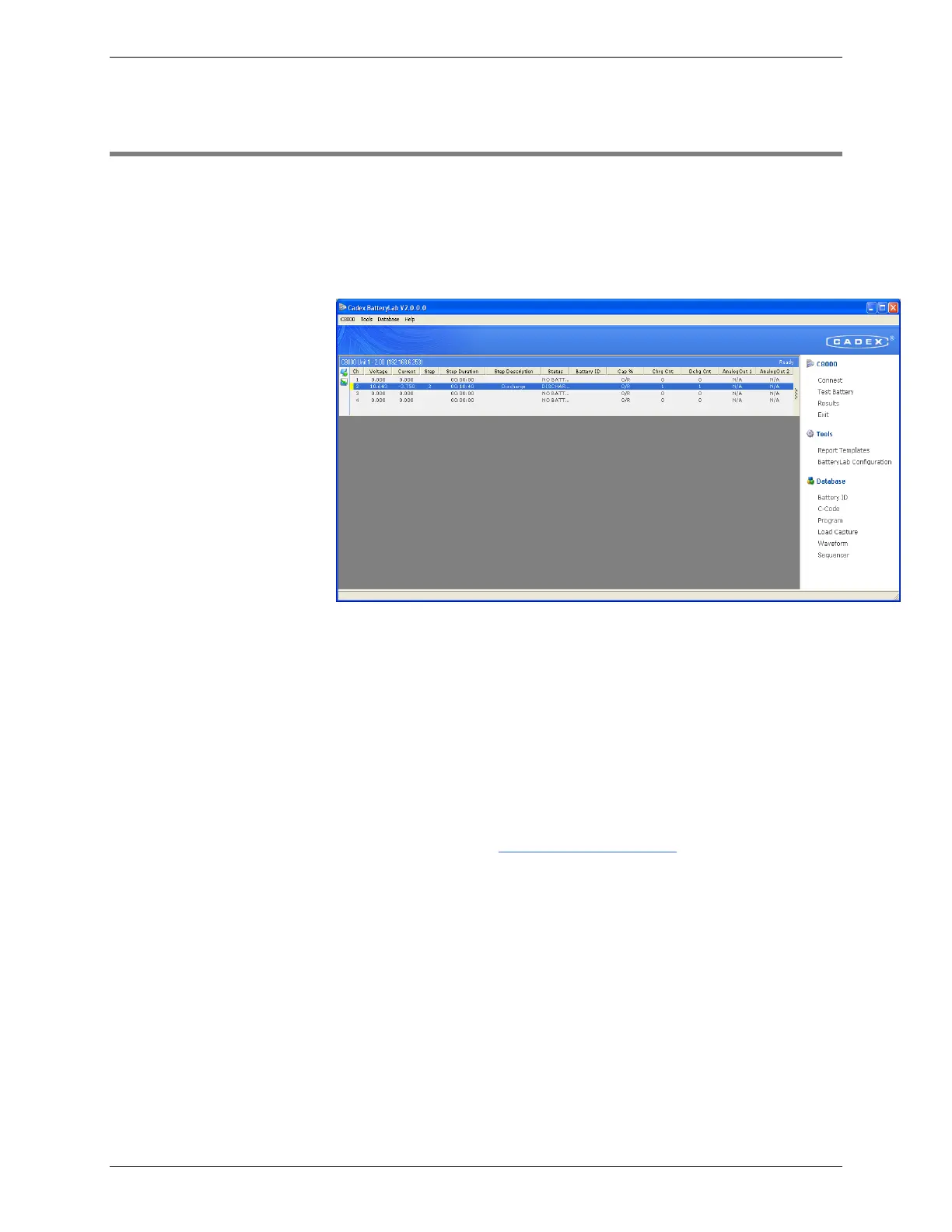
1. From the BatteryLab Main menu, click Connect.
The C8000 window appears.
BatteryLab waits for C8000s to connect. When a C8000 connects to
BatteryLab, the C8000 window title updates to reflect the IP
Address of the connected C8000. The C8000 also updates its Title
Header from C8000 to the Unit # indicated on the analyzer
window. Wait for the C8000 to connect to BatteryLab before
starting to test a battery.
If the C8000 and software do not connect within 15 to 60 seconds,
check the IP addresses and verify that no IP address is duplicated
on the network. (An error message appears if the time-out limit is
reached.) Recycle power on the C8000, and restart BatteryLab. If
problems persist, see Communication Issues.
1. Select a C8000, choose a channel, select and right-click on
the channel and choose Test Battery. The Test Battery
window appears.



 To Next Page