C8000 Battery Testing System User Manual
3 Cadex BatteryLab 235
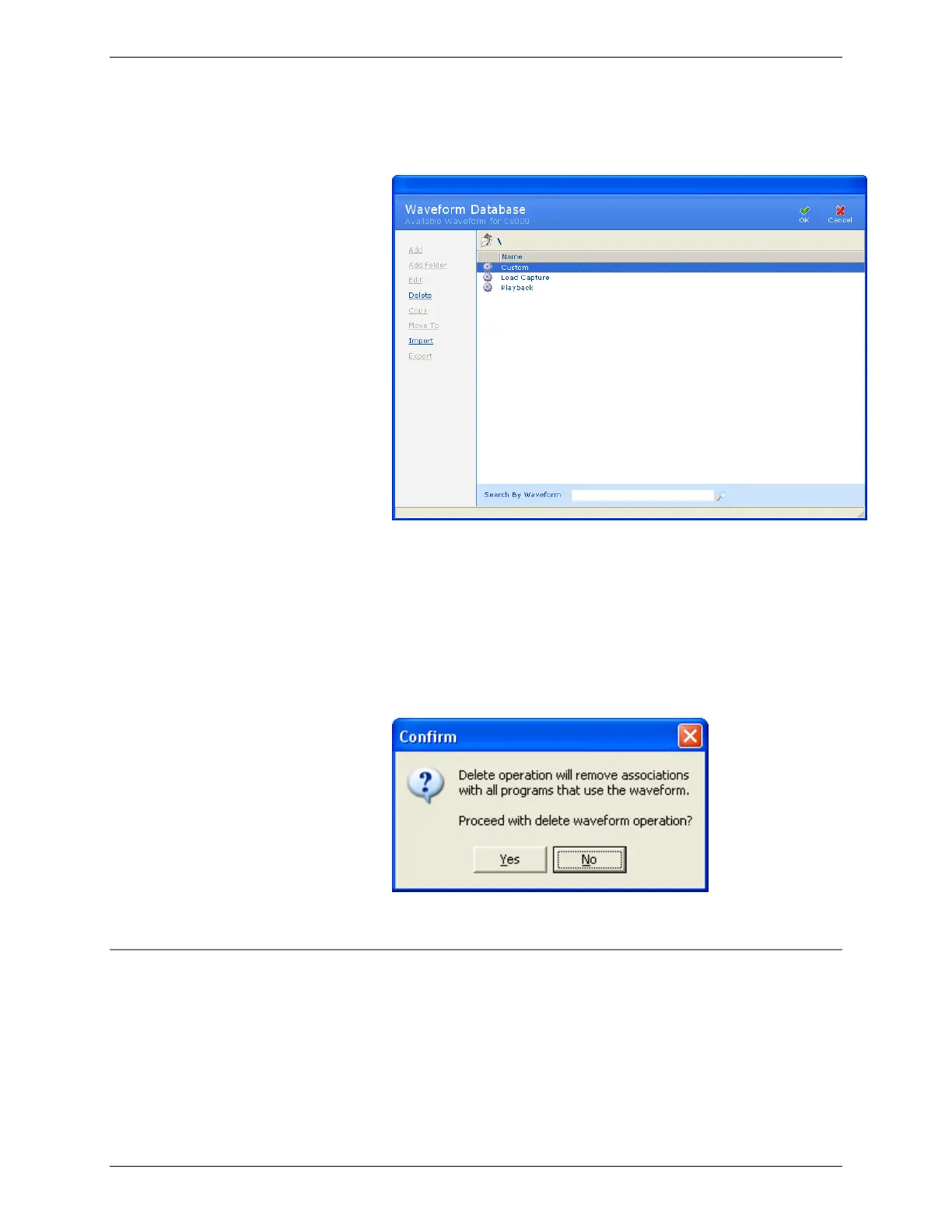
1. From the Database menu, click Waveforms. The
Waveform Database window appears.
2. Select the waveform to delete.
3. Click Delete. The Delete Options window appears. To
delete the waveform from BatteryLab, select the Delete
From BatteryLab check box. To delete the waveform from
the connected C8000, select the Delete From Connected
C8000 check box. Click OK.
4. The Confirm window appears.
5. Click Yes.
3.12.6 Copy a Waveform
To create a waveform from an existing waveform:
1. From the Database menu, click Waveforms. The
Waveform Database window appears.



 To Next Page