C8000 Battery Testing System User Manual
236 3 Cadex BatteryLab
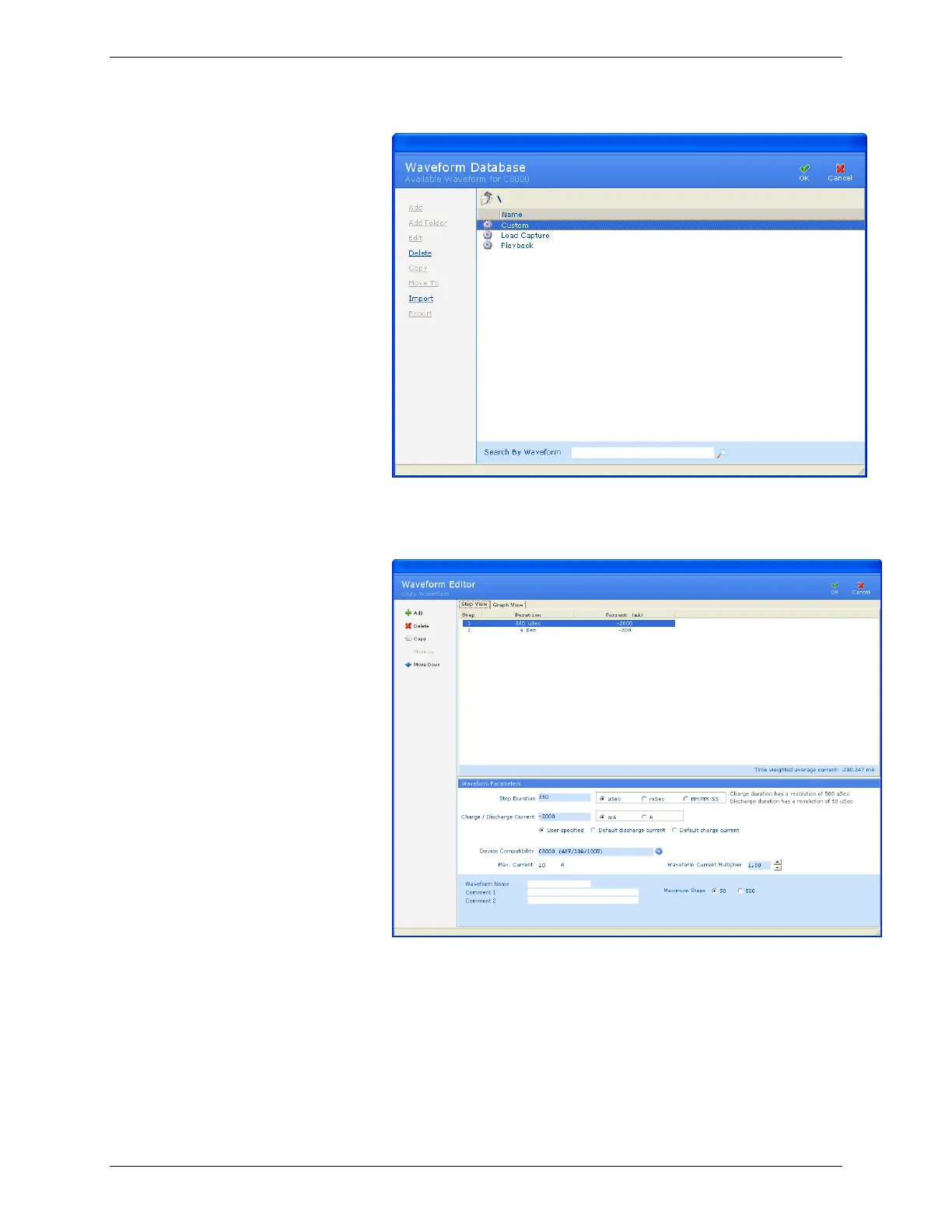
2. Select the waveform to copy.
3. Click Copy. The Waveform Editor window appears.
4. Type a name for the new waveform in the Waveform Name
field.
5. Type any notes in the Comment 1 and Comment 2 fields, as
required.
6. Add, delete, or copy steps for this waveform, as required.



 To Next Page