C8000 Battery Testing System User Manual
3 Cadex BatteryLab 77
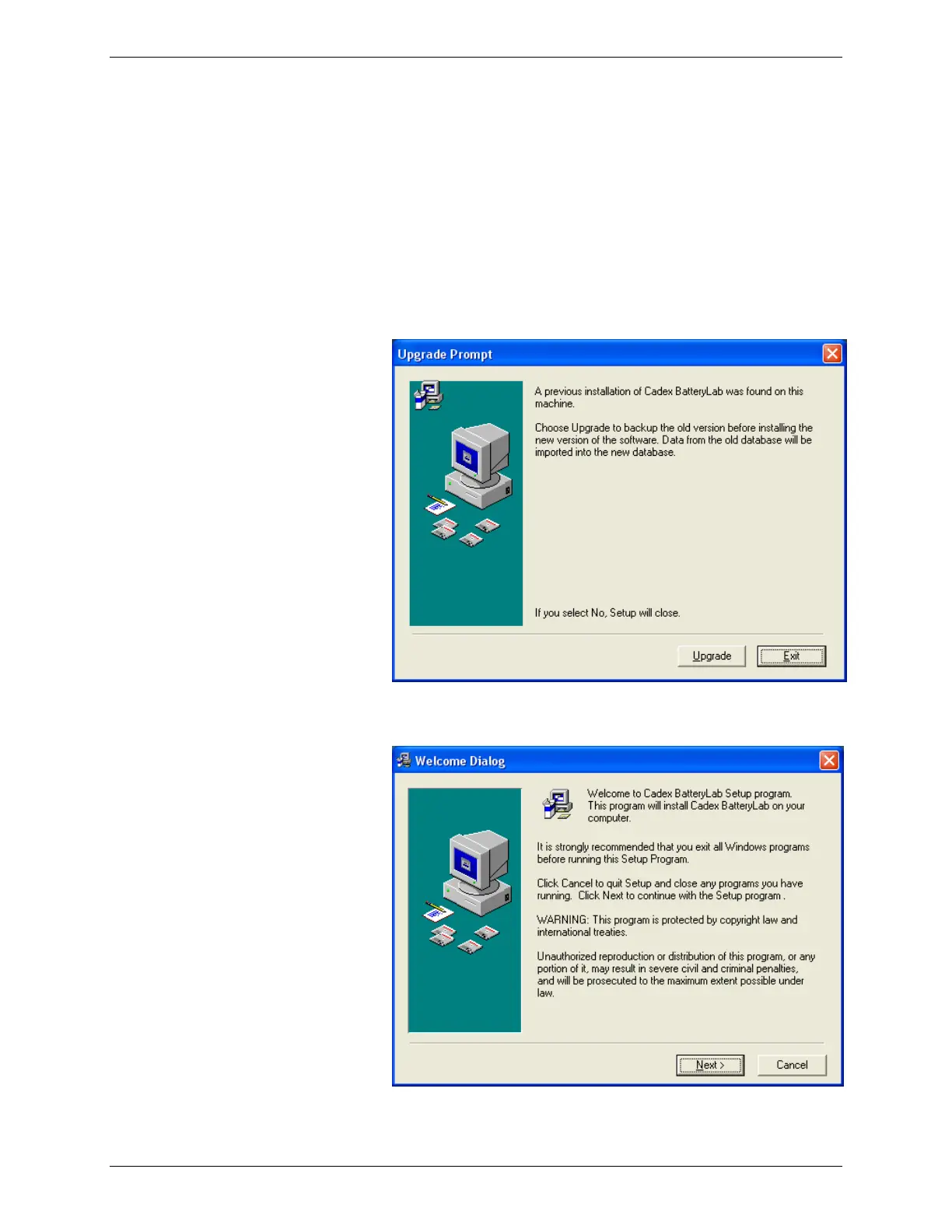
installed, the Upgrade window appears – BatteryLab’s database is
automatically preserved during the upgrade.
3.1.5.1 Install BatteryLab
1. Insert the installation CD into the CD drive.
2. Browse your CD drive in Windows Explorer and double-
click Setup.exe. If BatteryLab is already installed on the
computer, the Upgrade Prompt window appears. Click
Upgrade to continue.
The Welcome Dialog window appears.



 To Next Page