C8000 Battery Testing System User Manual
3 Cadex BatteryLab 97
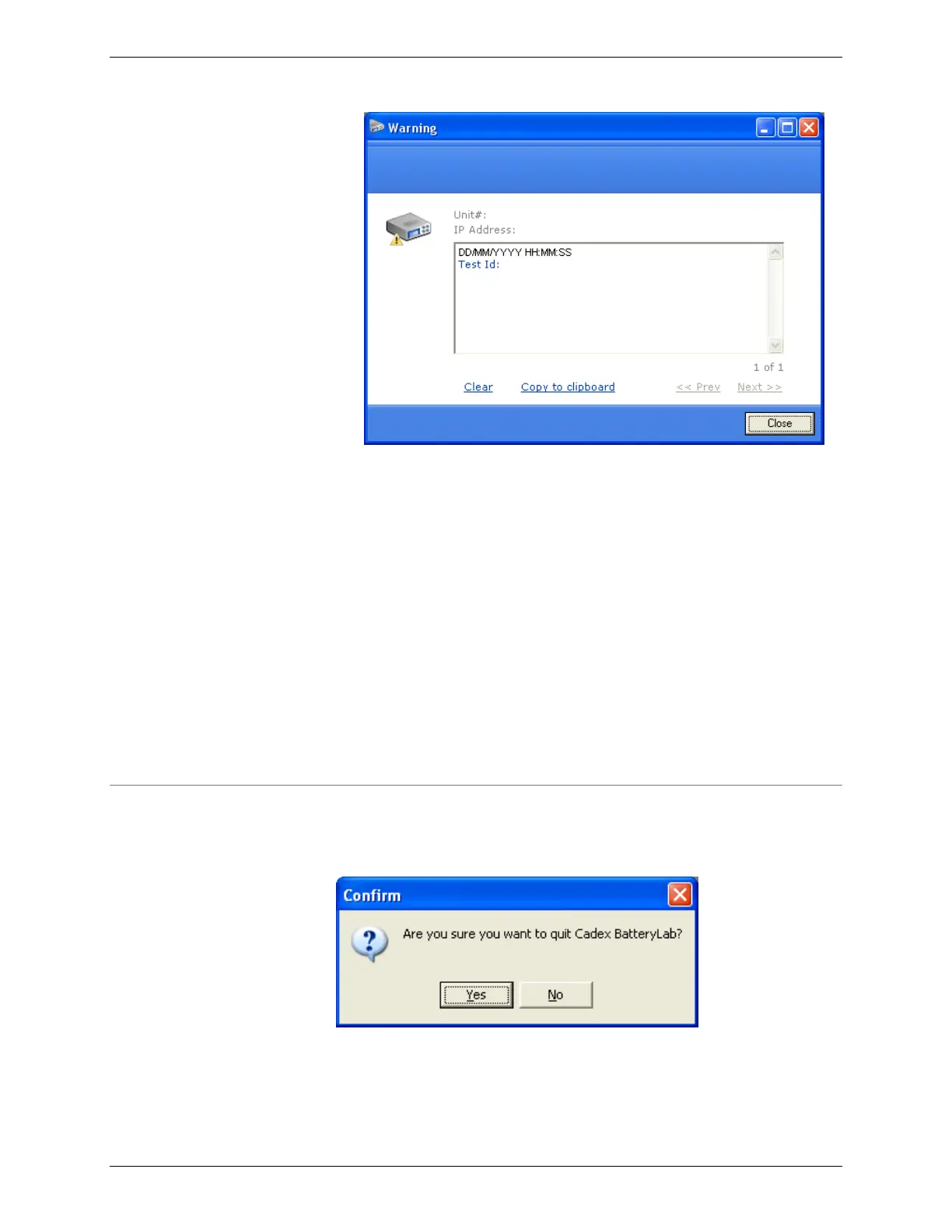
Click Clear to erase the error message. Click Copy to
Clipboard to copy the error information to the Windows
Clipboard – the error information can then be copied to
another Windows application.
All warning/error messages are displayed in the sequence of
issue.
To view information about the next warning/error condition,
click Next. To view information about the previous
warning/error condition, click Prev.
Click Close to close the Alert window. Note: Closing the
window will erase any warning that have been issued, from
the Alert window. All C8000 service warning/error(s) will be
recorded in the Test record for the service.
3.1.17 Exit BatteryLab
From the C8000 menu, click Exit to terminate BatteryLab. The
Confirm window appears.
Click Yes to close the BatteryLab application.



 To Next Page