C8000 Battery Testing System User Manual
64 2 Battery Tester
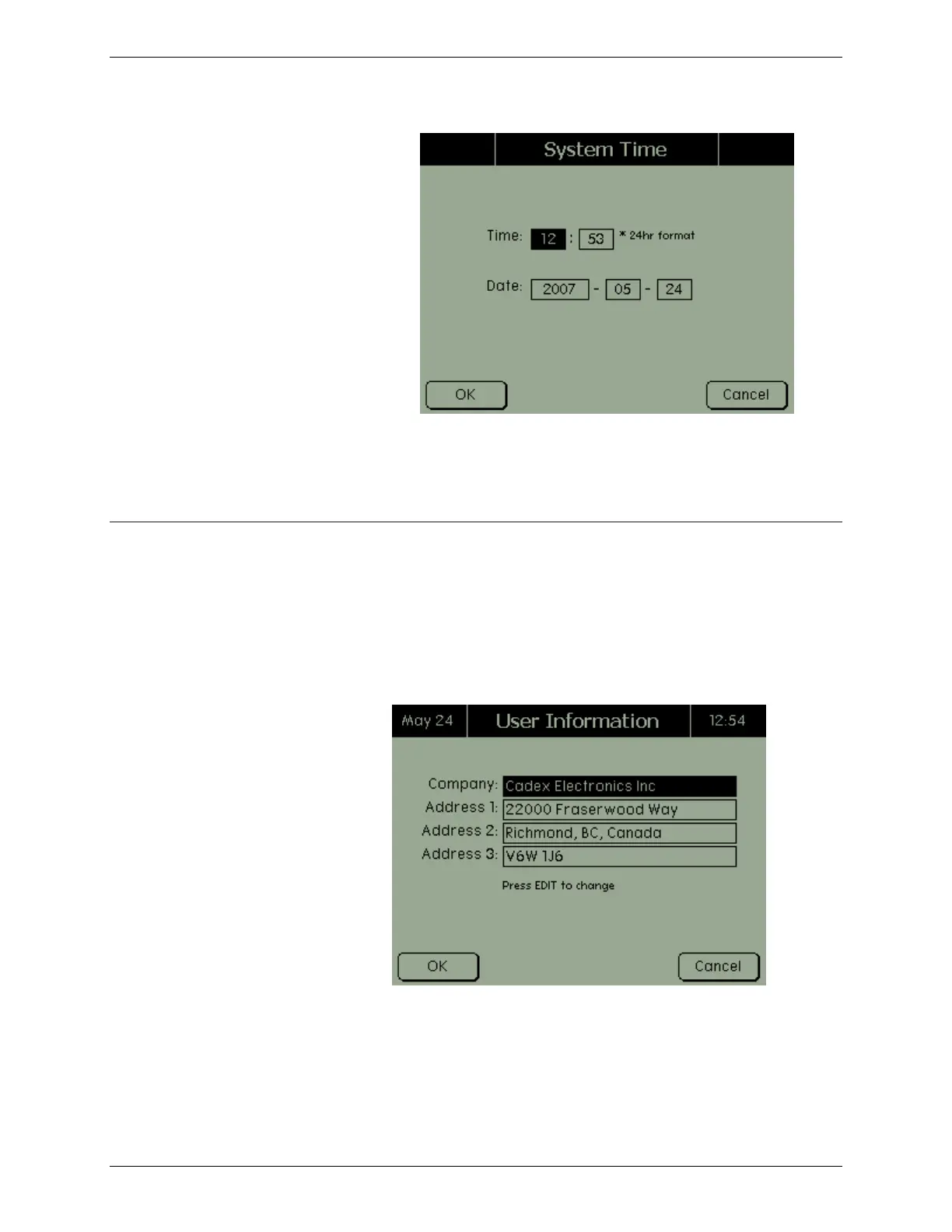
3. Using the numeric keypad, enter the time (in 24-hour
format) and the date (year/month/day).
4. Press OK.
2.11.2 User Information
To enter user information:
1. From the Main screen, select System and press ENTER.
The System Options screen appears.
2. Select User Information and press ENTER. The User
Information screen appears.
3. To activate the onscreen keyboard, press Edit. Using the
arrow buttons to select alphabetic characters and the
numeric keypad to enter numbers, enter the name of the
company in the Company field.



 To Next Page