C8000 Battery Testing System User Manual
Battery Tester 59
code to export, press SAVE. The c-codes are exported from the
C8000 to the SnapLock/RigidArm Adapter.
1. Select a channel.
2. Select the C8000 C-Code to export.
3. Edit the Export name, if needed.
4. Select the location to export the C8000 C-Code to.
5. Save the C-Code.
2.9 Programs
The C8000 includes factory default programs. See 3.10.1 Factory
Default Programs for information on the default programs.
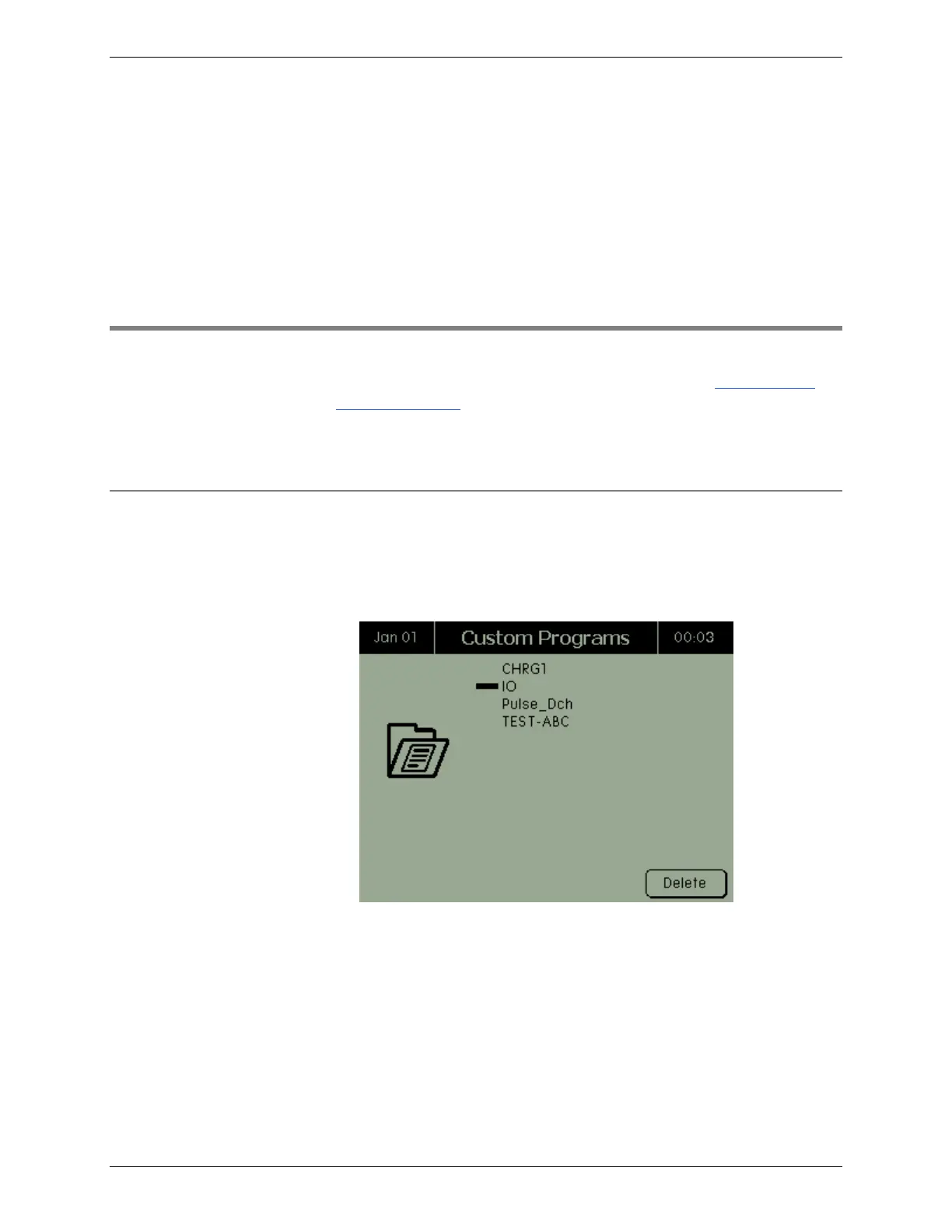
From the Main screen, select Programs. The Custom Programs
screen appears.
2.9.1 View a Custom Program
View the details of a custom program.
1. From the Main screen, select Programs. The Custom Programs
screen appears.
2. Select the program to view and press ENTER. The Program
Details screen appears. The Version field displays the program
version that was entered when the custom program was
created in BatteryLab, otherwise this field displays V0.00. The
Waveform field displays the custom waveform, if it is associated
with the program; otherwise this field is blank. The Comment 1
and Comment 2 fields displays any comments for the program
that were entered when the custom program was created (the #



 To Next Page