C8000 Battery Testing System User Manual
3 Cadex BatteryLab 215
LCU.
Sub-Parameters:
Range 0-10A: captures current range from 0-10A;
Range: 0-100A: captures the current range from 0-
100A.
Current Probe: Captures current readings input from
an external probe. (Scale 1mV to 1A)
The sub-parameter for the Trigger Type parameter’s
Digital option that allows the selection of the digital
input for triggering.
Notes about the capture program.
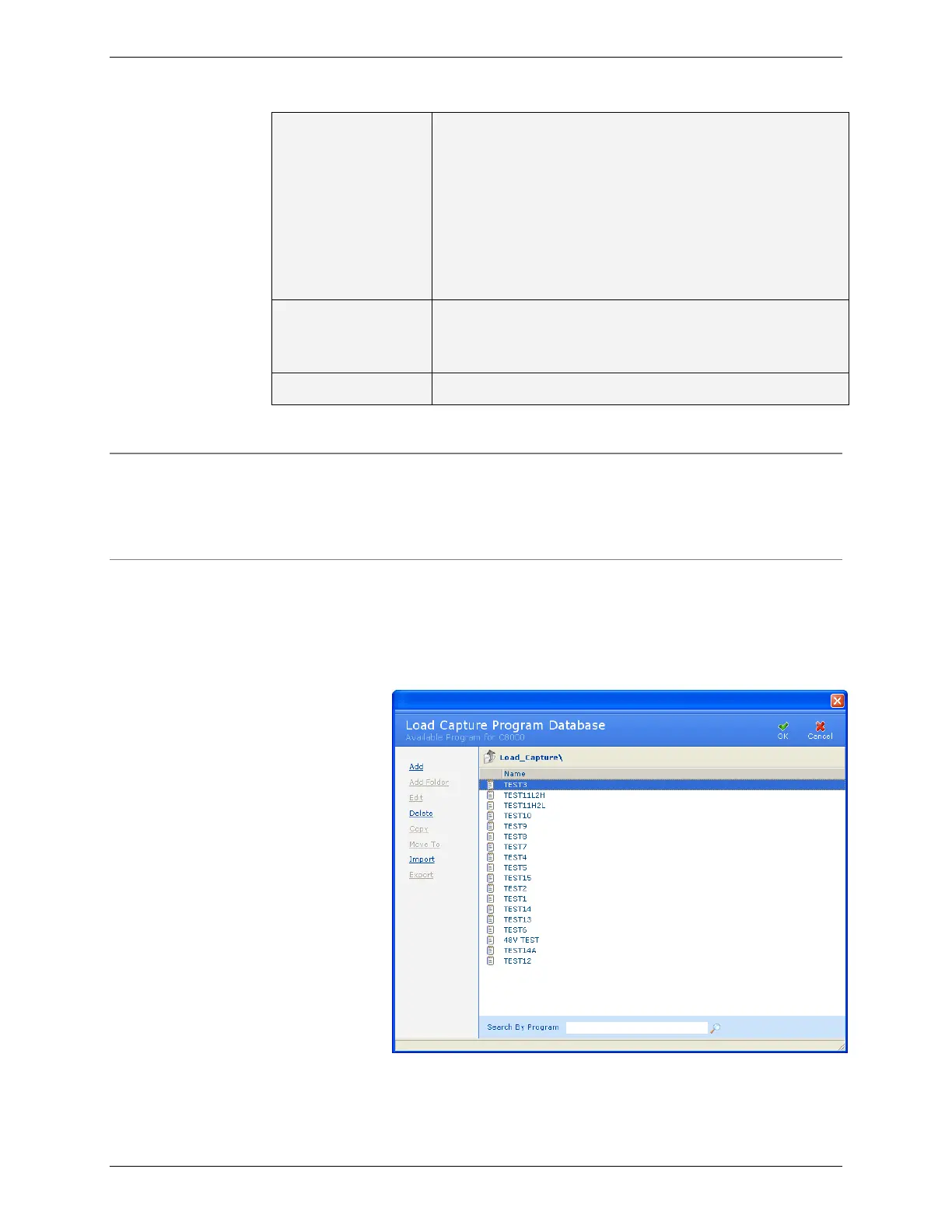
3.11.1 Load Capture Programs Database
The Load Capture Program window displays a list of load capture
programs in the BatteryLab database.
3.11.2 Add a Load Capture Program
To add a load capture program to BatteryLab:
1. From the Database menu, click Load Capture. The
Program Database window appears.
2. Click Add. The Load Capture Program Editor window
appears.



 To Next Page