C8000 Battery Testing System User Manual
116 3 Cadex BatteryLab
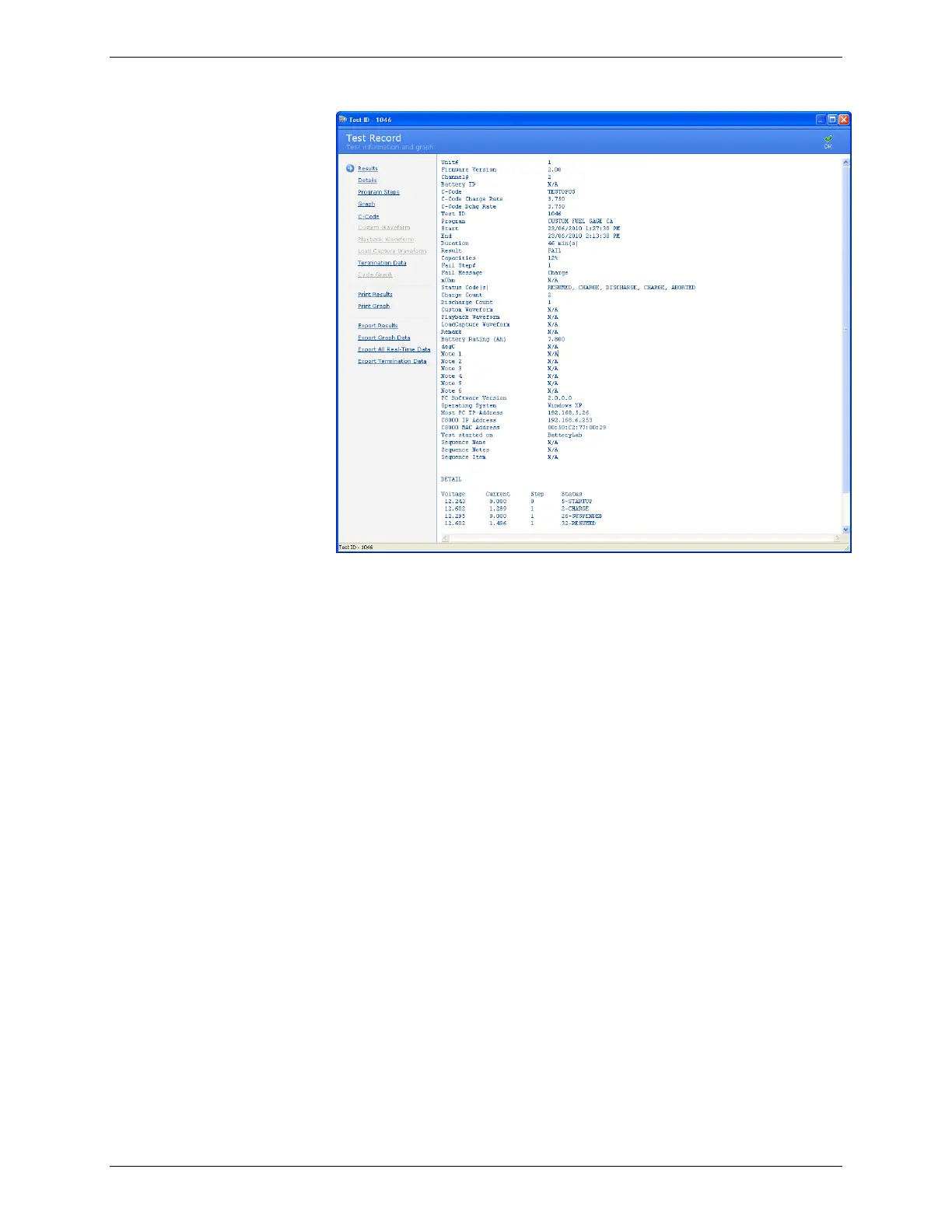
3.6.3.1 Edit a Test Result Record
To edit the remarks for a test result:
1. From the C8000 menu, click Results. The Test Results
window appears.
2. In the Test Results window, search for the test result by a
battery ID or C-Code and click Search.
3. Select a result record.



 To Next Page