C8000 Battery Testing System User Manual
60 2 Battery Tester
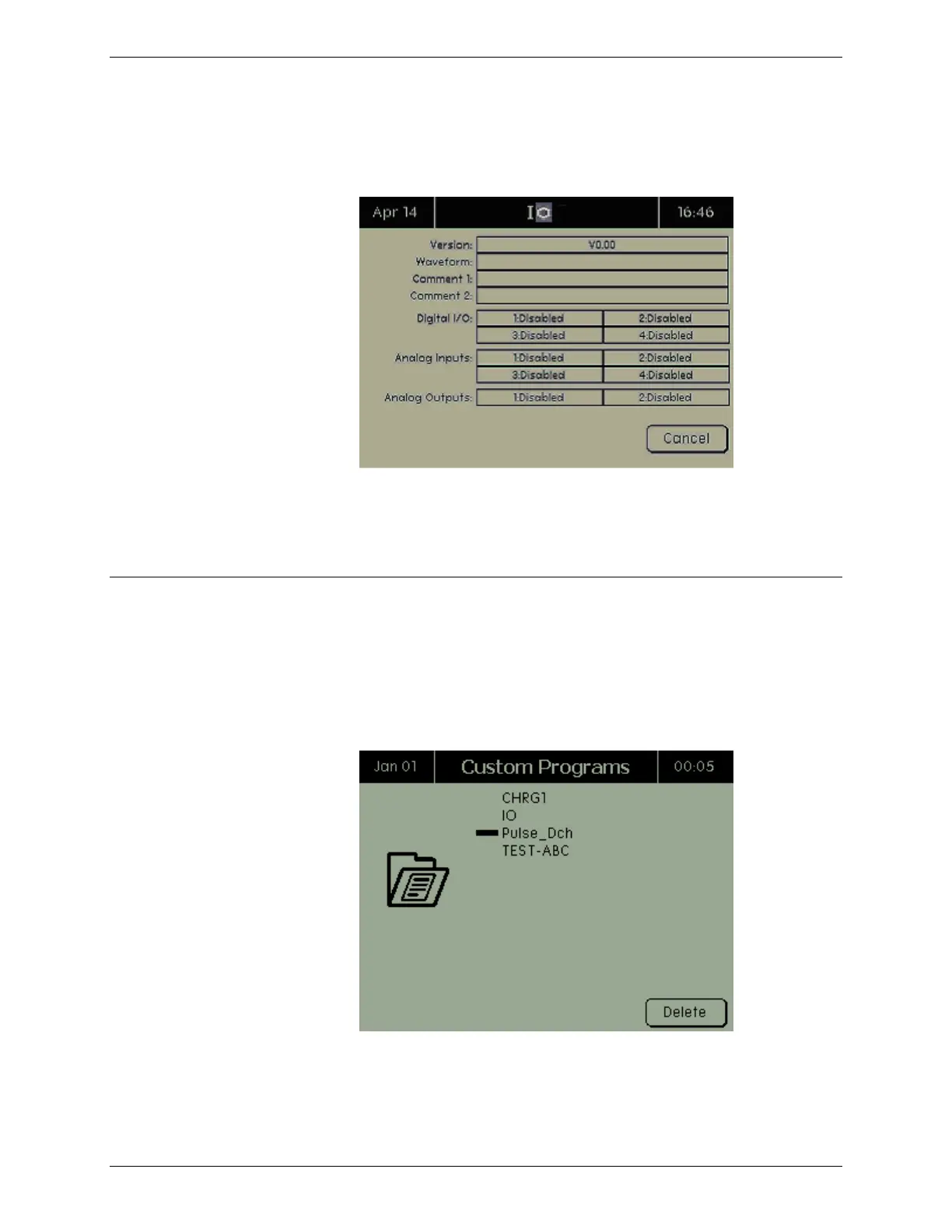
indicates the part number). The Digital I/O, Analog Output #,
and Analog In # fields display the settings for the port as
programmed.
3. When finished viewing the information about the custom
program, press CANCEL to return to the Custom Programs
screen.
2.9.2 Delete a Custom Program
Custom programs can be deleted only if the security setting is set
to Disabled. For more information on security settings, see 2.11.8
Security.
1. From the Main screen, select Custom Programs and press
ENTER. The Custom Programs screen appears.
2. Select the custom program to delete.



 To Next Page