C8000 Battery Testing System User Manual
262 3 Cadex BatteryLab
3.14.1.2 Update the Calibration Data
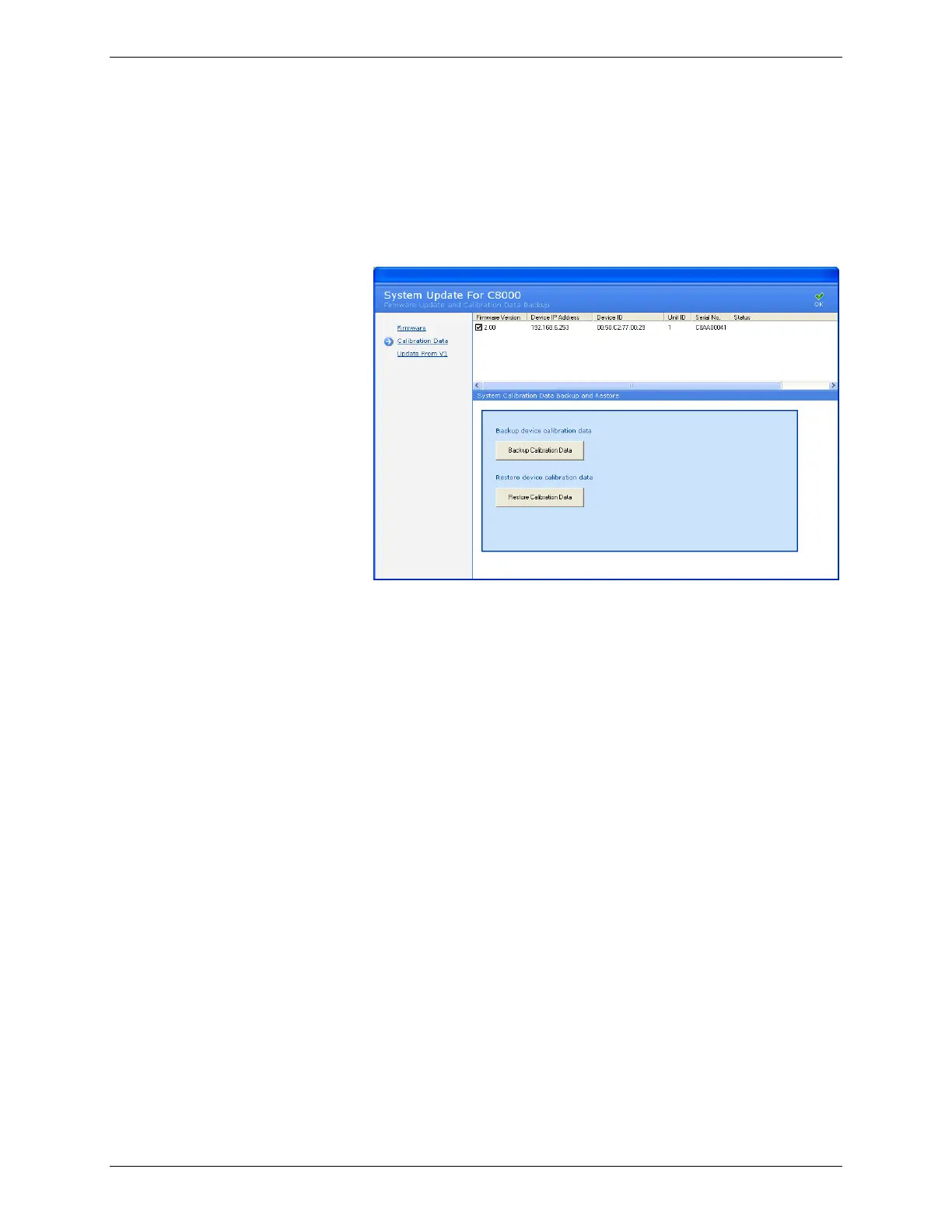
To update the calibration data on the C8000s:
1. From the Tools menu, click System Update. The System
Update window appears.
2. Click Calibration Data.
3. To back up the calibration data, click Backup Calibration
Data.
4. To restore calibration data, click Restore Calibration Data.



 To Next Page