C8000 Battery Testing System User Manual
184 3 Cadex BatteryLab
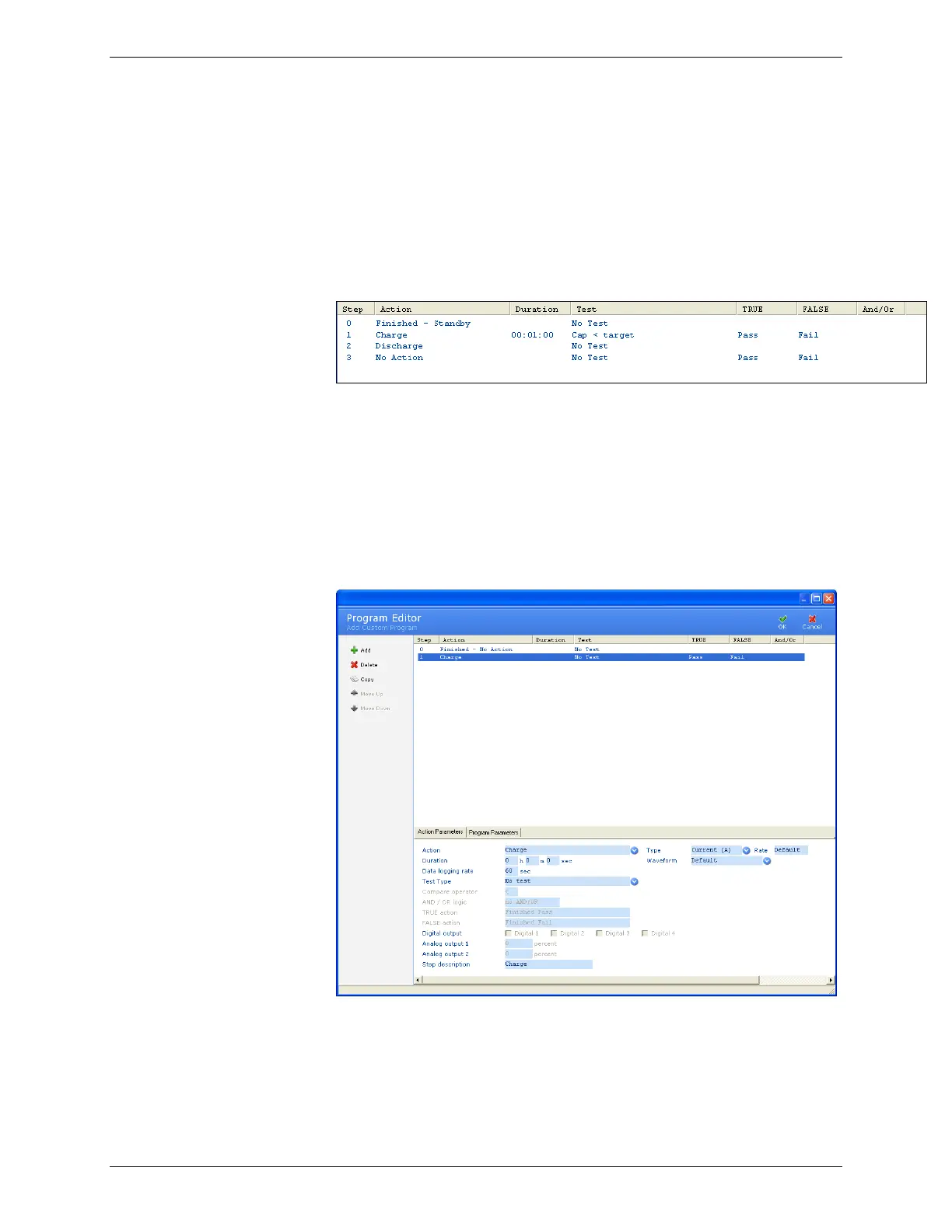
The top portion of the Add Custom Program window shows the
individual steps in the program. For each step, BatteryLab
displays the step number, the action that will be performed, the
amount of time the action will take to execute, the type of test to
be performed and action to take if the test is True or False. Note:
If there is “No Test” the program will automatically go to the next
step, on a successful completion of the action/step.
When this program executes, the steps are performed in the order
listed. To change the order of the steps, select the step and click
Move Up or Move Down. The steps will be rearranged
accordingly.
3.10.4.1 Add a Step to a Program
To add a step to a program, click Add. The No Action step appears
in the Program Editor window.
Click the Action field to see the list of possible actions for this step.
Some actions require additional information, as shown in the
following table.



 To Next Page