C8000 Battery Testing System User Manual
3 Cadex BatteryLab 211
3.11 Load Capture
Load Capture Unit required (see 2.1.3.4 Load Capture Unit (LCU))
To begin load capture:
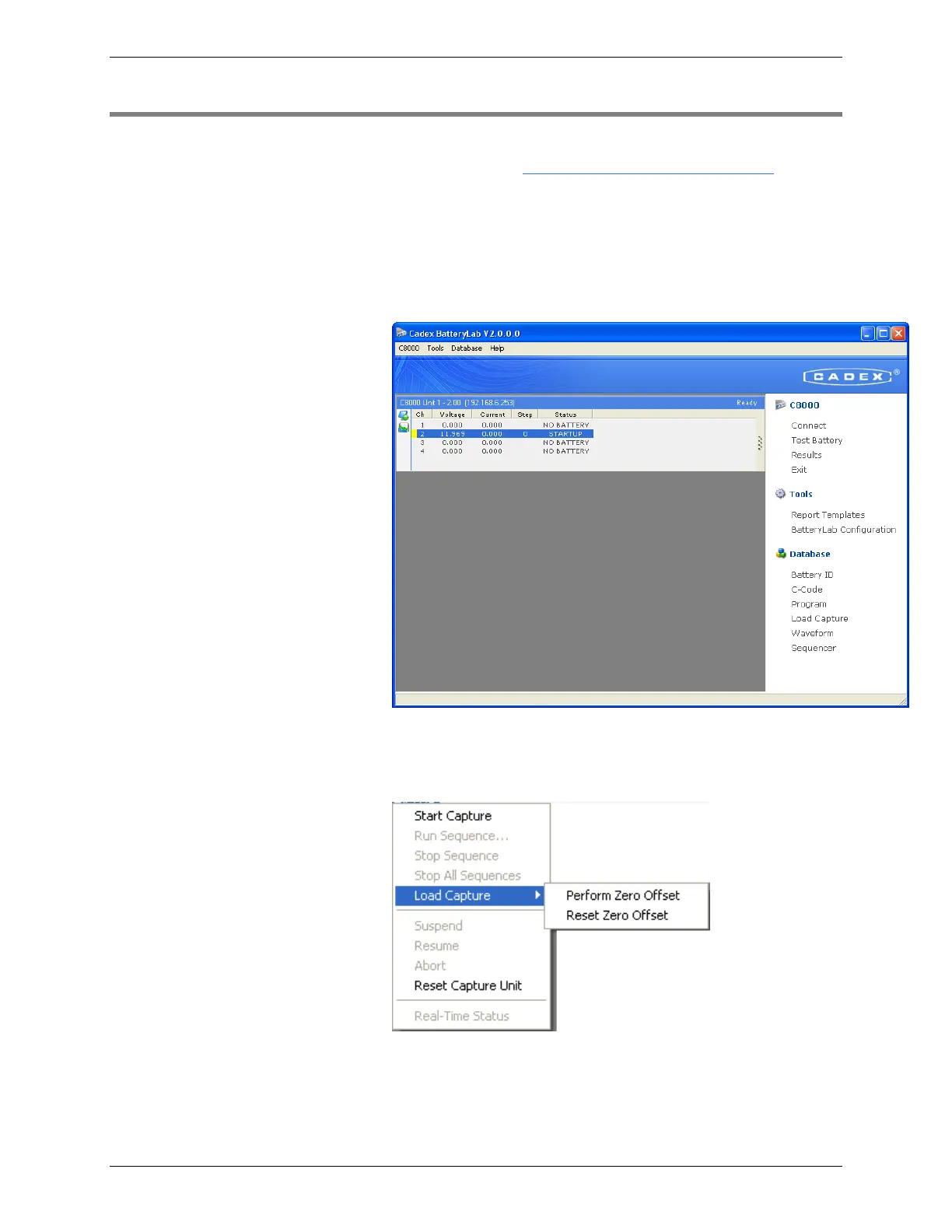
1. Plug in the LCU on Channel 1 only. The Test Battery
caption now changes to Start Capture when the active
selected channel is connected to the LCU. The channel’s
status now reads LCU STARTUP.
2. Click Start Capture to start the load capture, or right-click
the LCU’s entry to see the Capture menu and click Start
Capture.
Note: The following table describes the entries in the
Capture menu.



 To Next Page