C8000 Battery Testing System User Manual
194 3 Cadex BatteryLab
3.10.5 Add Folders
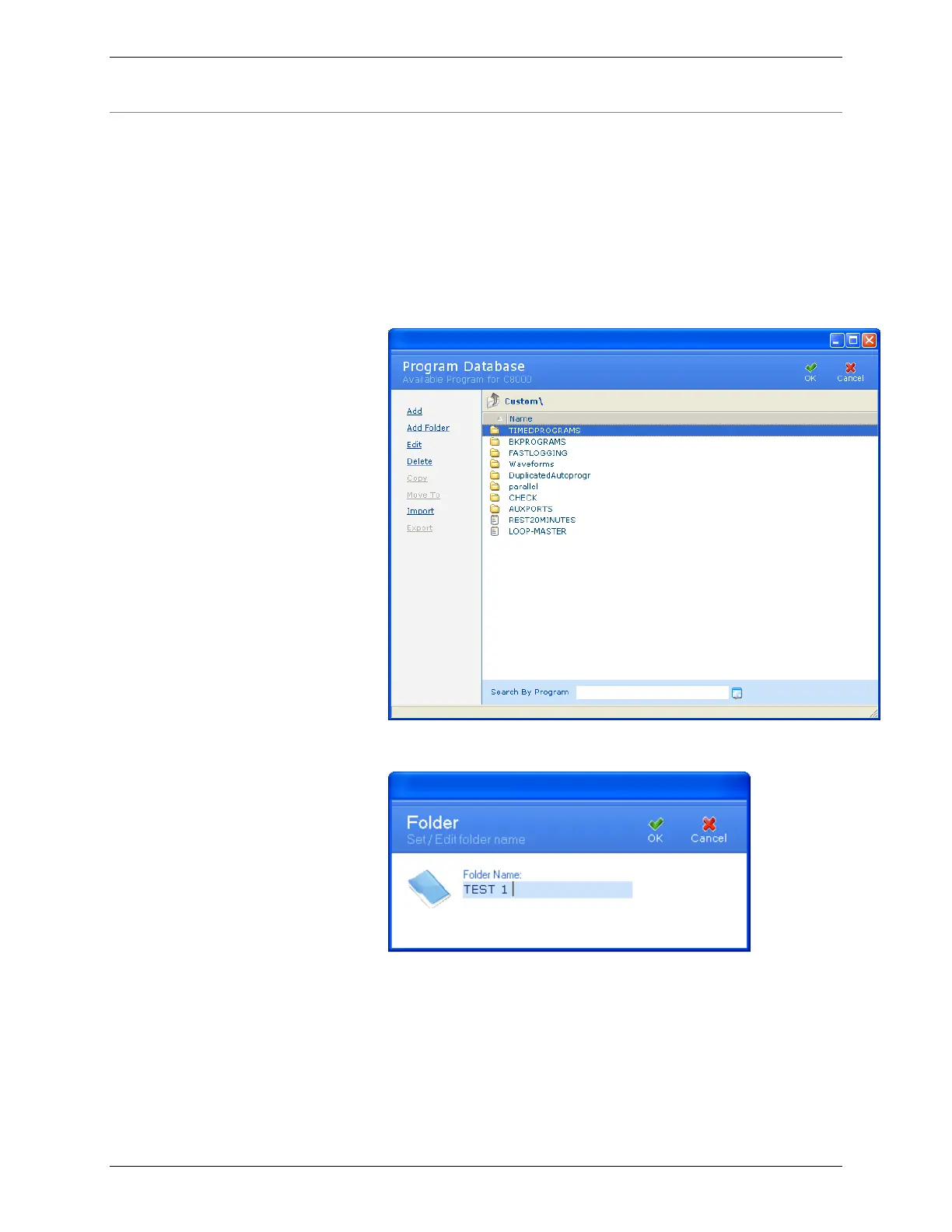
Programs can be organized, or grouped, into folders. A folder is a
directory on your hard drive. A folder icon appears adjacent to the
folder’s name to identify it as a folder; a text document icon
adjacent to the program’s name can identify programs. Only one
level of folders is permitted.
1. From the Database menu, click Programs. The Program
Database window appears.
2. Click Add Folder. The Add Folder window appears.
3. In the Folder Name field, type a name for this folder.
4. Click OK to create the folder. The folder’s name appears in
the Program Database window.



 To Next Page