C8000 Battery Testing System User Manual
70 2 Battery Tester
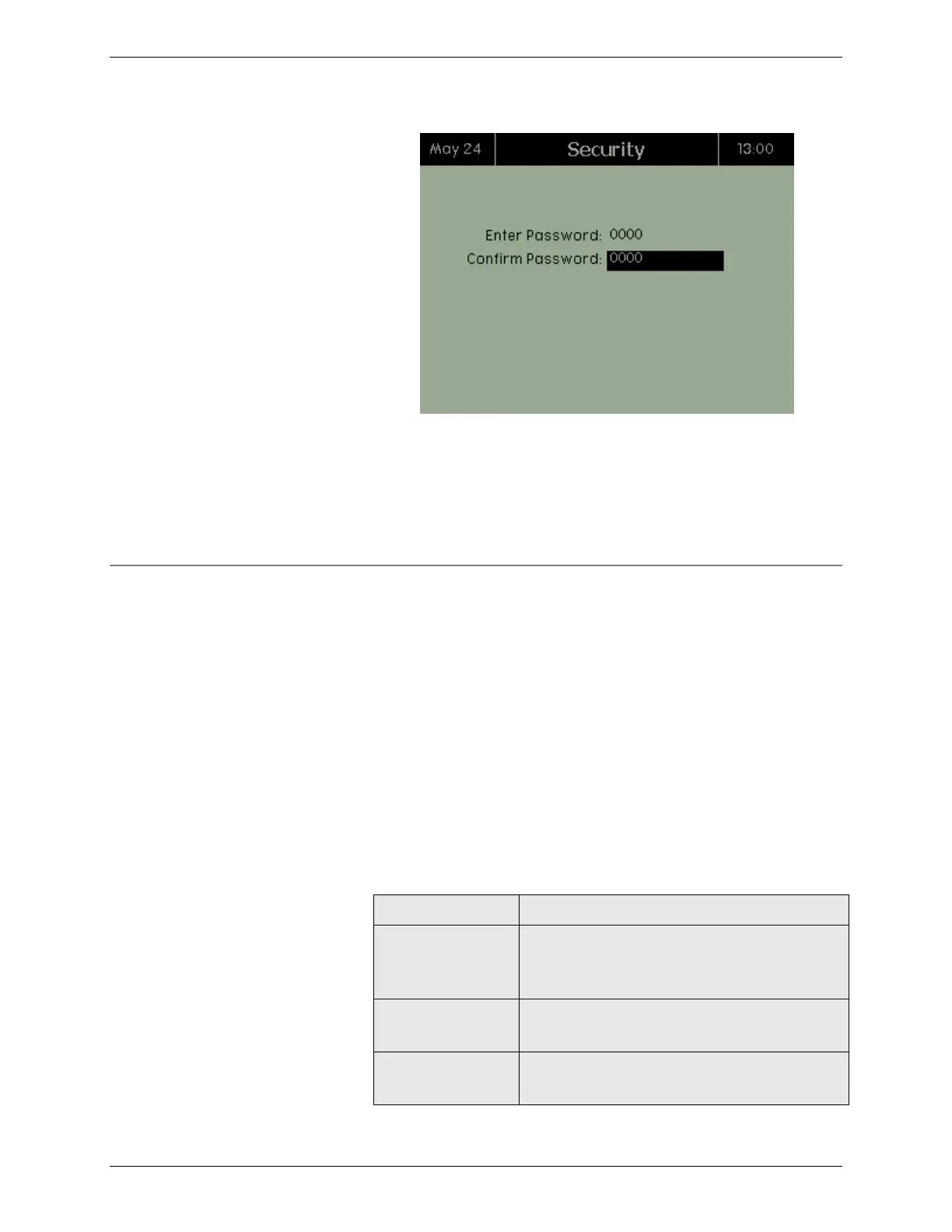
5. Press OK.
A valid password can be changed in BatteryLab. To receive
additional help with passwords, contact Cadex Electronics Inc. or
an authorized service center. To disable the password, enter a
value of “0000”.
2.11.9 System Information
To view the C8000’s system information:
System information includes the unit number, the version of
firmware that is installed, both DSP versions, the LCD version,
both PIC versions, the RDD free space, and whether security is
enabled or disabled. The units MAC and serial number are also
shown.
Each C8000 contains three microprocessors – one Coldfire
processor and two Digital Signal processors (DSP). The System
Information screen reports the versions of both DSP firmware
installed in the C8000.
The System Information screen displays the version of firmware
programmed into the C8000’s Liquid Crystal Display (LCD).
The unit number assigned by
BatteryLab. N/A indicates in standalone
mode.
The version of firmware installed.
Both versions of the DSP firmware
installed on the C8000.



 To Next Page