C8000 Battery Testing System User Manual
Battery Tester 71
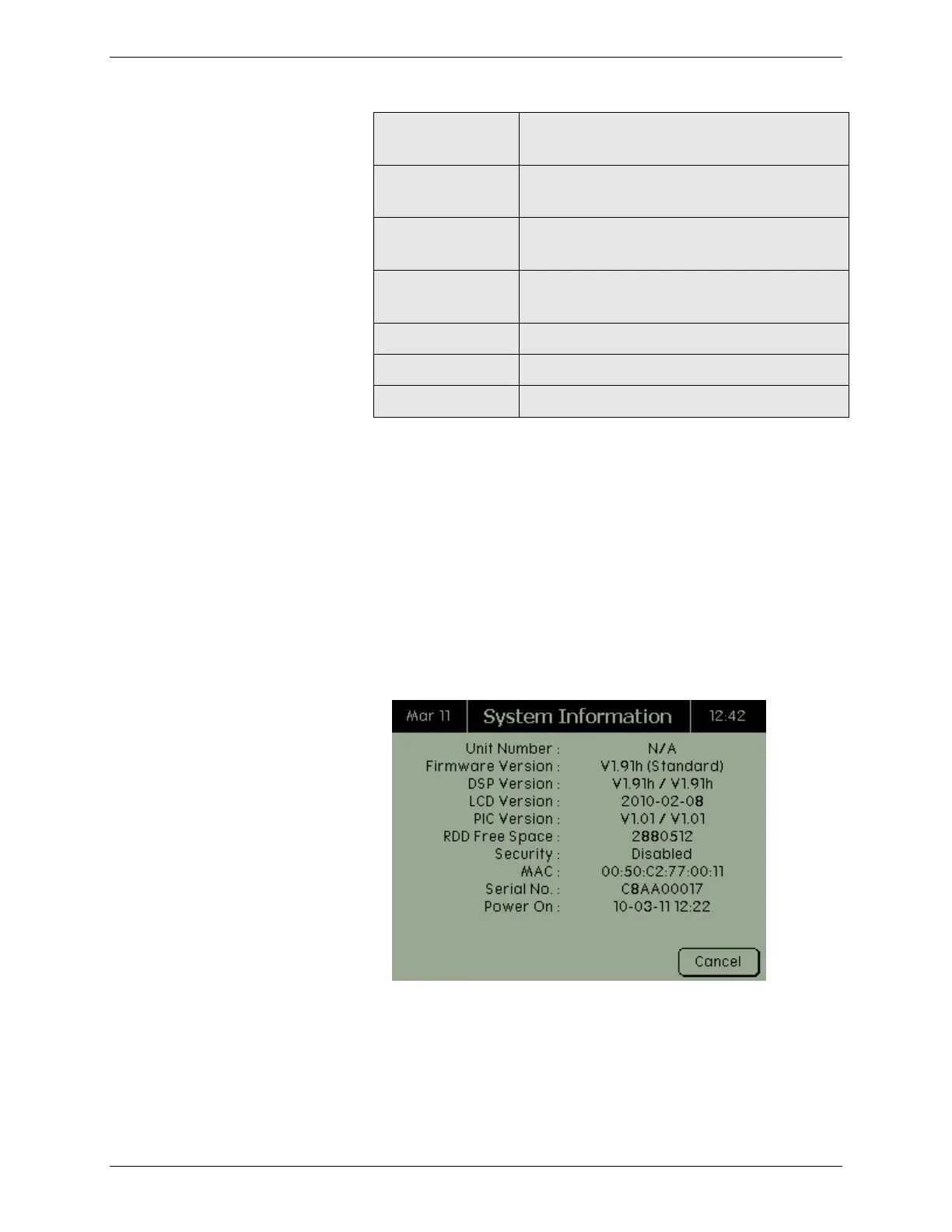
The version of the Liquid Crystal
Display.
Both versions of the PIC installed on the
C8000.
The amount of free memory remaining
in the C8000, shown in bytes.
Enables or disables the C8000’s security
feature.
The C8000’s serial number.
The last time the C8000 was turned on
The security password enables or disables the C8000’s security
feature. The default password is 0000 and security features are
disabled by default. If a security password is specified, security
will be enabled. For more information on setting security
passwords, see 2.11.8 Security.
1. From the Main screen, select System and press ENTER.
The System Options screen appears.
2. From the System Options screen, select System
Information and press ENTER. The System Information
screen appears.
3. Press CANCEL when finished viewing the system
information.



 To Next Page