C8000 Battery Testing System User Manual
110 3 Cadex BatteryLab
3.4.1 View the Status of a Test in BatteryLab
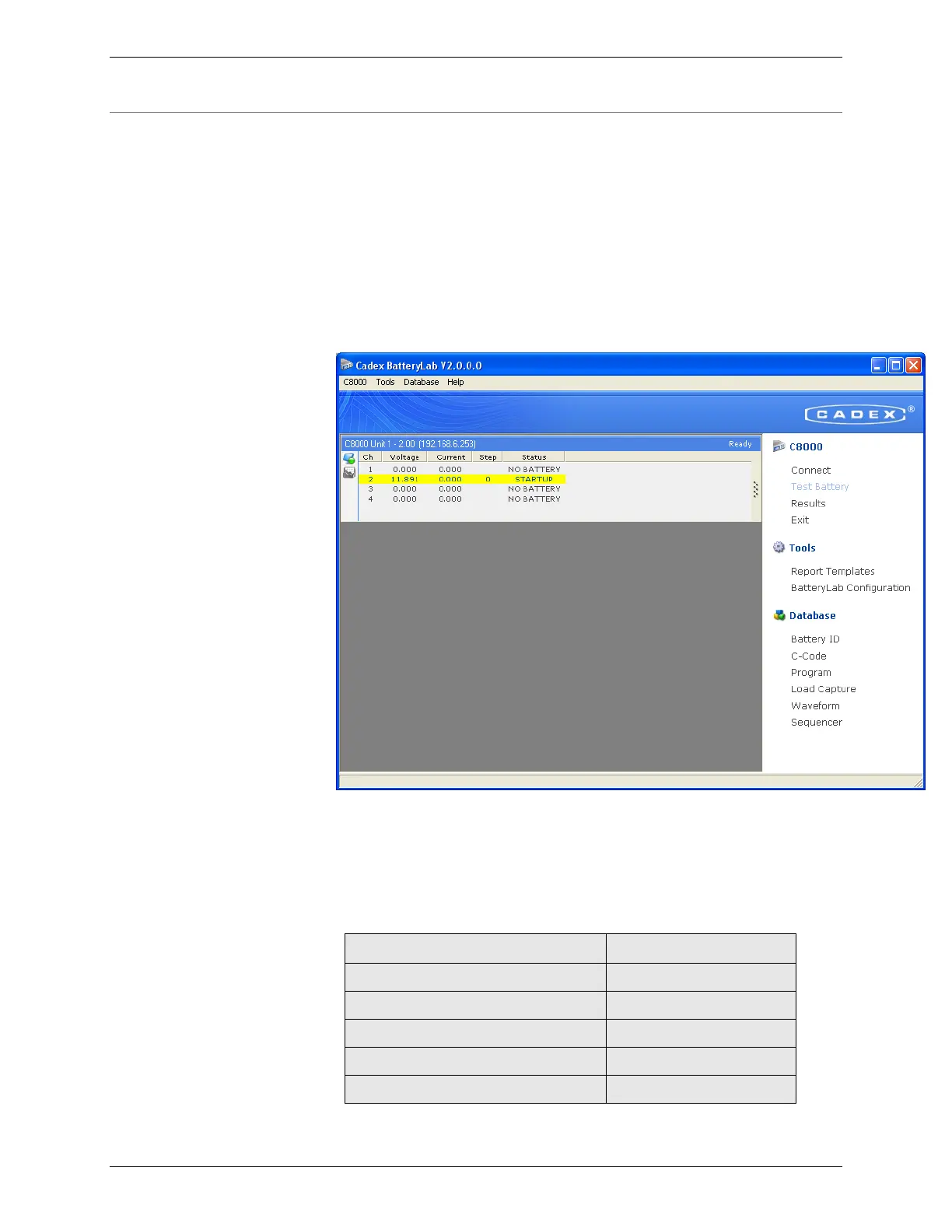
The C8000 window in Battery Lab displays the status of each test
running on the C8000:
Channel
Volts
Current
Program step
Status message
To modify the information that appears in the Result Panel, select
Result Panel in the BatteryLab Configuration window.
3.4.1.1 Background Color of Tests Running
The background color displayed for each test running indicates
the status of the test.
Red with Status Code in White



 To Next Page